
Improve the quality of a 3D render
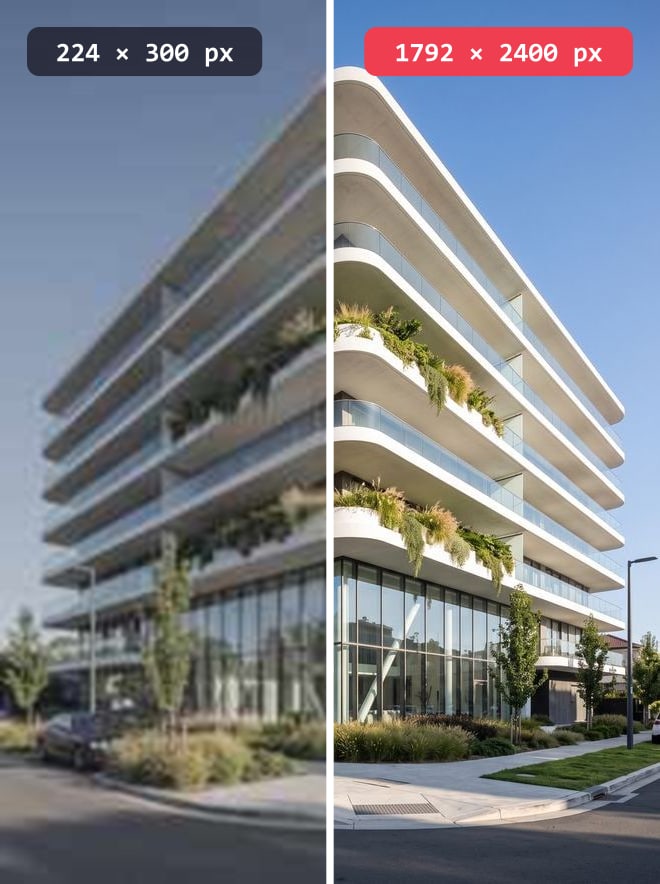
A render that falls flat, a low-quality preview, an old project image: tick what should change and get the same image back, better.
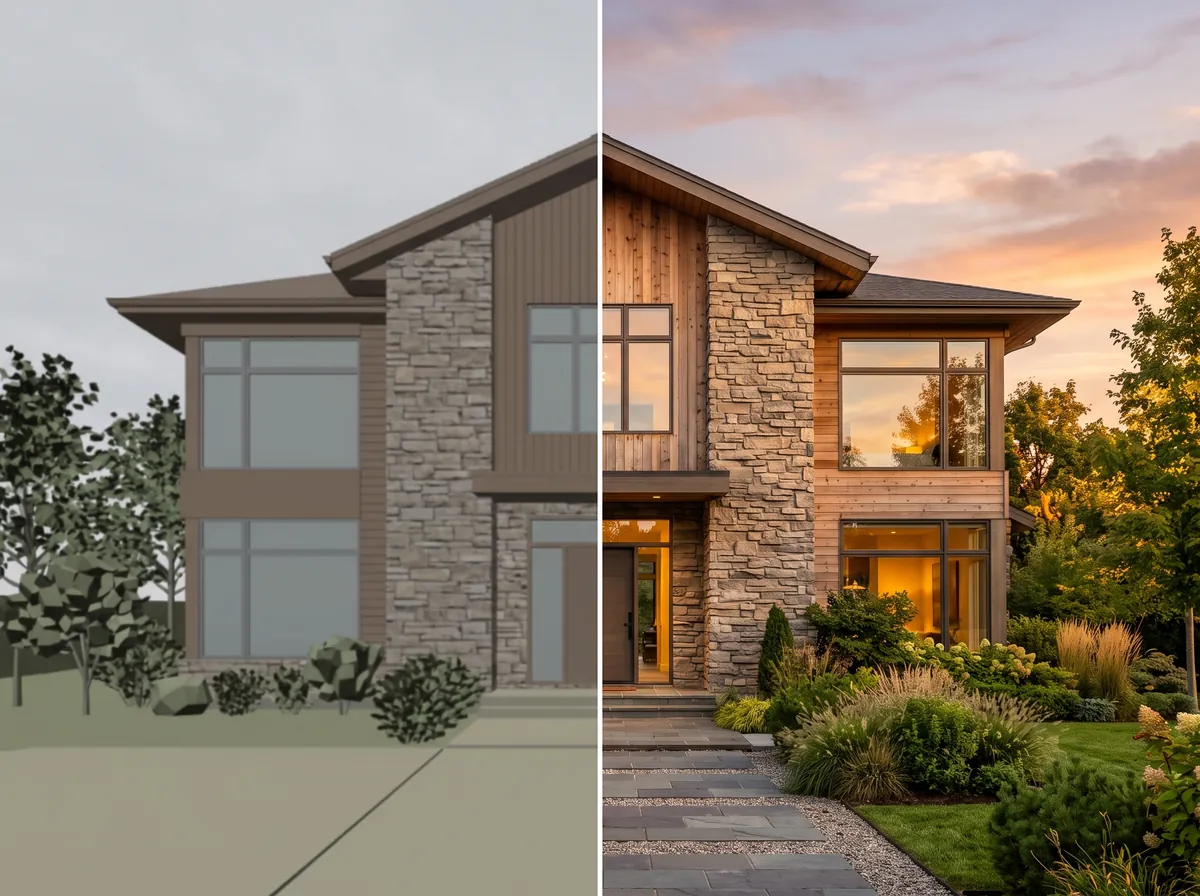
How it works
- 1Open Enhance and attach the image to rework.
- 2Tick what should change: sharpness, detail, light, materials, sky, planting, life and scene elements, ambiance.
- 3Choose the intensity — Light, Medium or Strong.
- 4Send, then compare with the before / after slider.
Eight improvements, ticked one by one
You do not ask it to "do better": you point at what is wrong. Sharpness and detail rework a soft or low-resolution image; light rescues a flat scene, with a Dark room option; materials, sky and planting replace what looks amateur in a quick render; Life and scene elements adds presences; Ambiance changes the time of day. Nothing is mandatory: your description alone is enough.
Three intensities, because "more" is not always better
Light keeps the same image, simply cleaner — the right setting when the client has already signed off and nothing else should move. Medium, the default, sharpens without showing. Strong pushes towards a high-end photo render and departs further from the original. No 0-to-100 slider: three named choices, each with a sentence saying what it does.
What an enlargement does not do
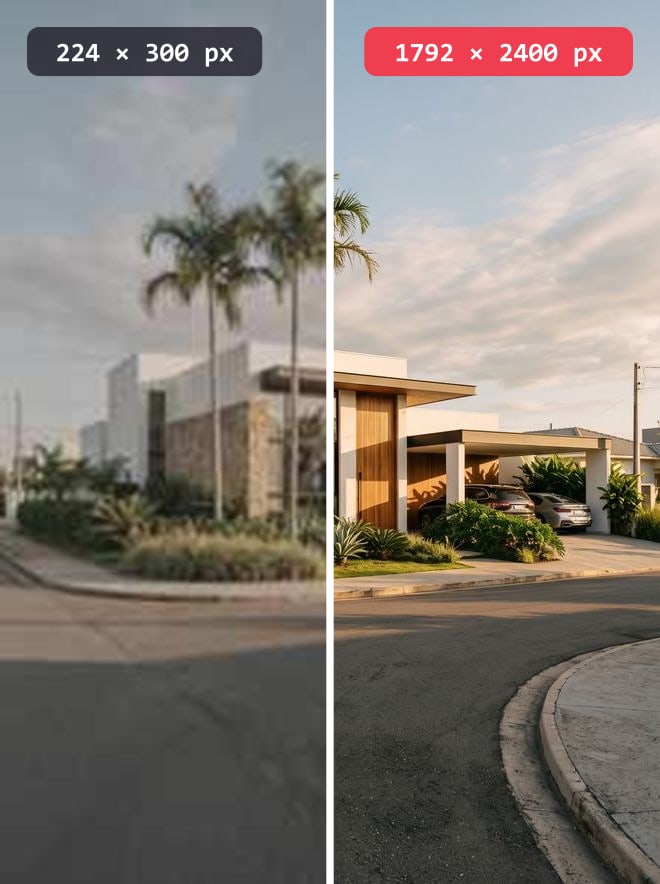
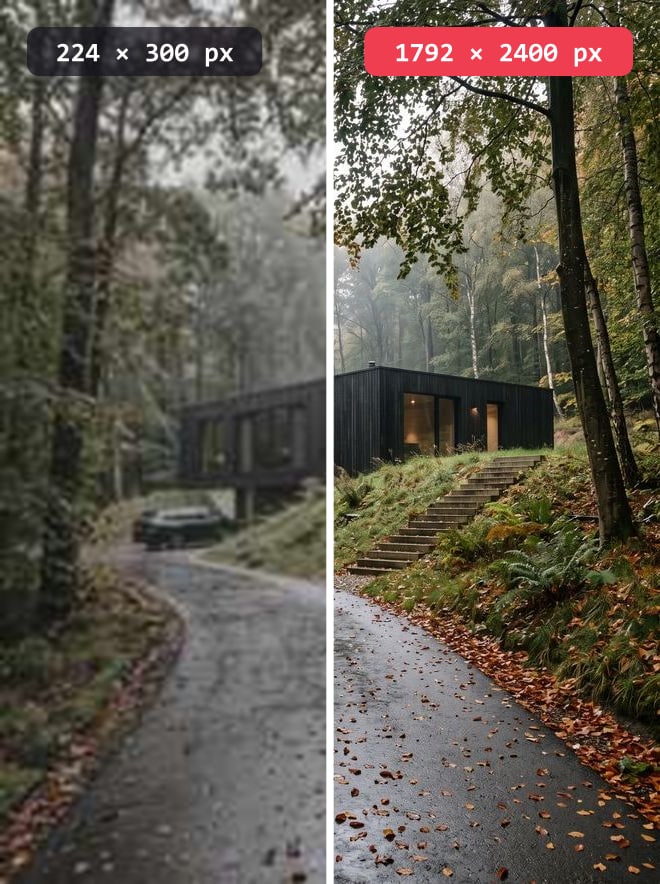
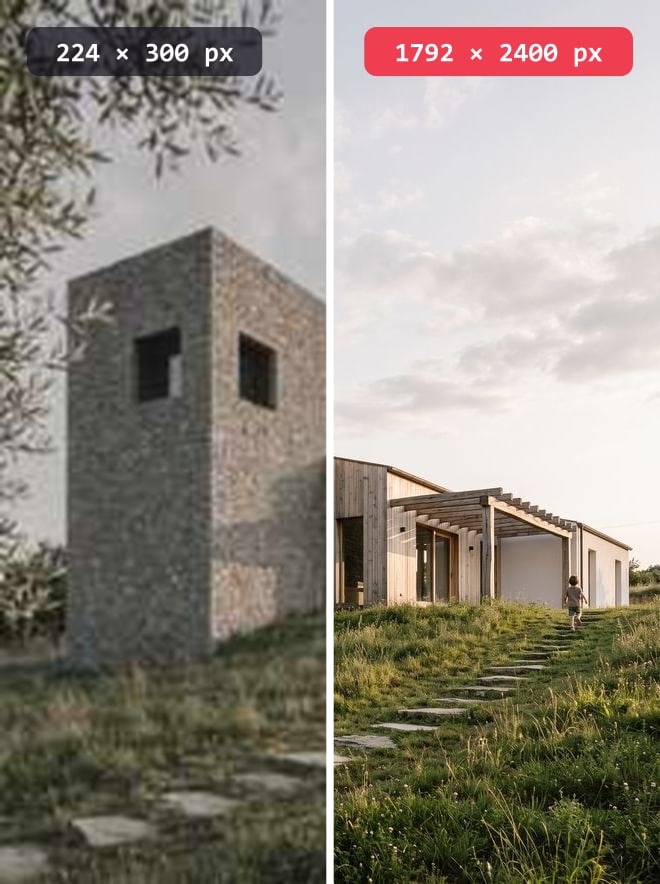
This has to be said plainly: asking for 4K on a small image adds pixels, not detail that was never there. Enhancement can rebuild a plausible material, it cannot recover information absent from the original. Start from the largest version you have, not from a thumbnail.
Examples
Frequently asked questions
- Does my geometry change?
- No: volumes, framing and openings are kept, as in a render. Only Ambiance, if you tick it, changes the light.
- Can I enhance a photo rather than a render?
- Yes. A photograph of an existing building can be reworked the same way.
- How many times can I enhance the same image?
- As many times as you like, each pass costing credits. In practice two passes are enough: beyond that the image goes waxy.
Try it on your own image
Create your account, drop in an image, run a render. The plans and what each render costs are on the pricing page.