
USE CASES
AI architectural rendering, case by case
RenderPro always starts from an image you already have — a sketch, a plan, a 3D capture, a photo — and keeps your geometry. Here is each case, with what to give and what you get.
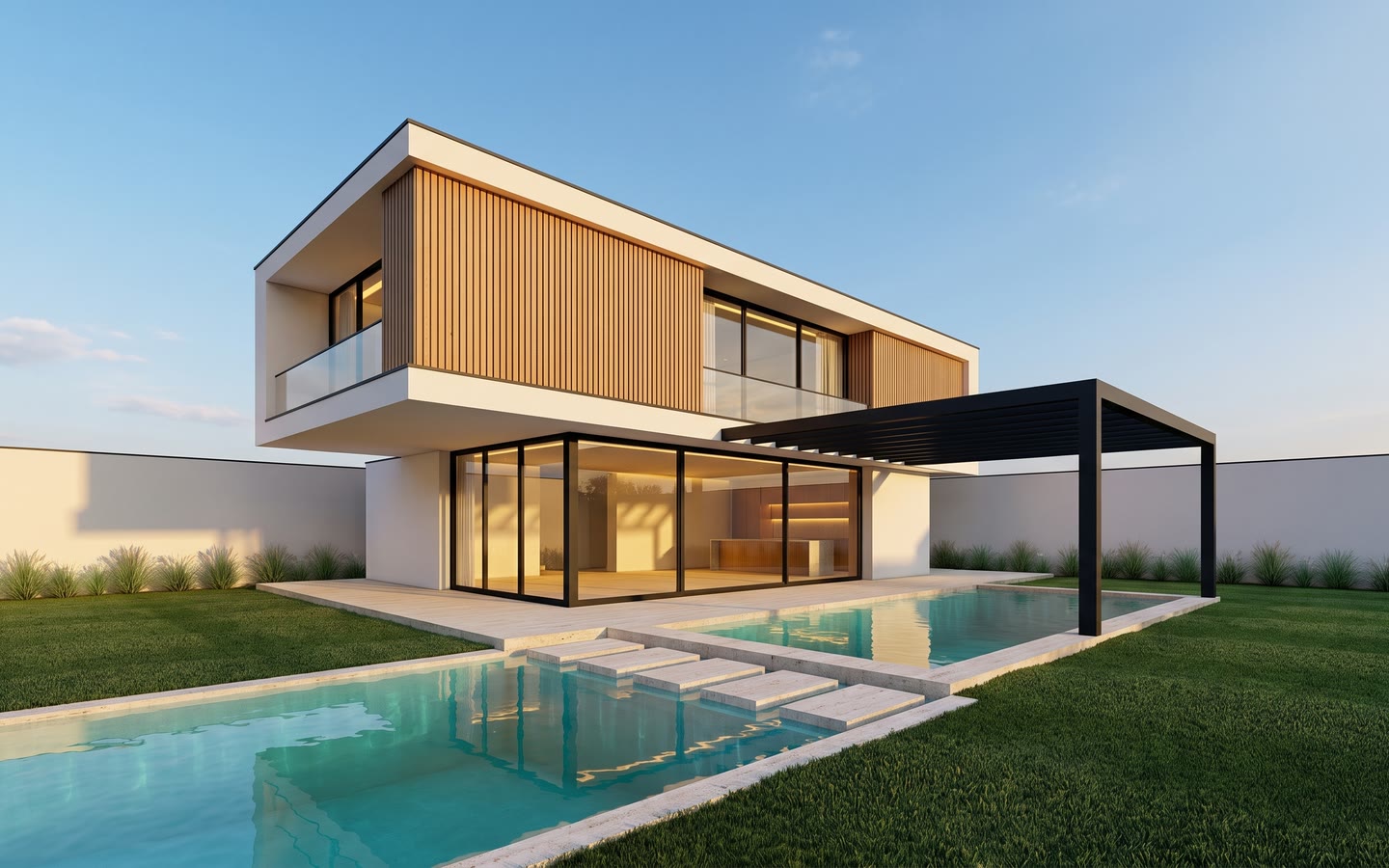
Turn a hand sketch into a photorealistic render
Photograph your hand sketch and RenderPro renders it photorealistically, keeping your volumes, your openings and your framing. Before and after examples.
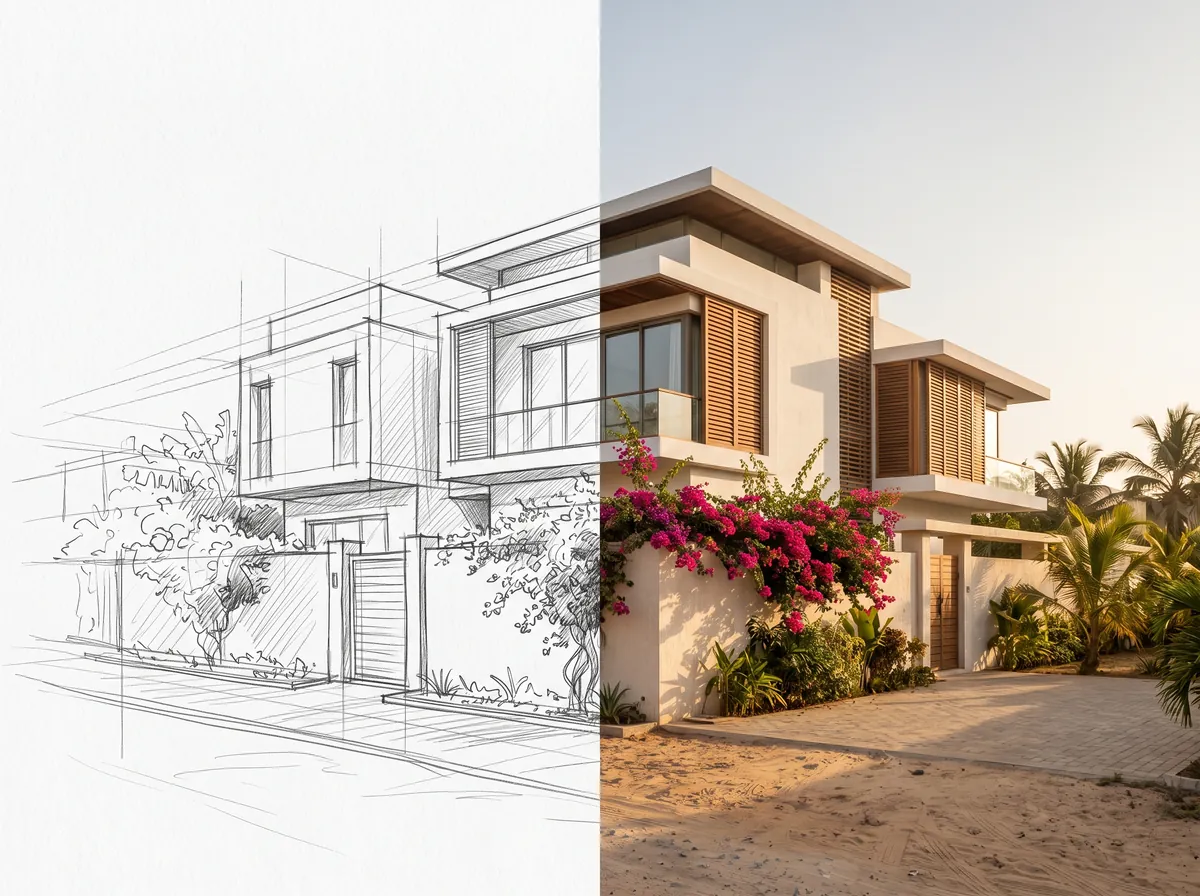
SketchUp AI rendering, without a render engine
A screenshot of your SketchUp model is enough to get a photorealistic render. Works from Revit, Archicad, Rhino, 3ds Max and AutoCAD too.
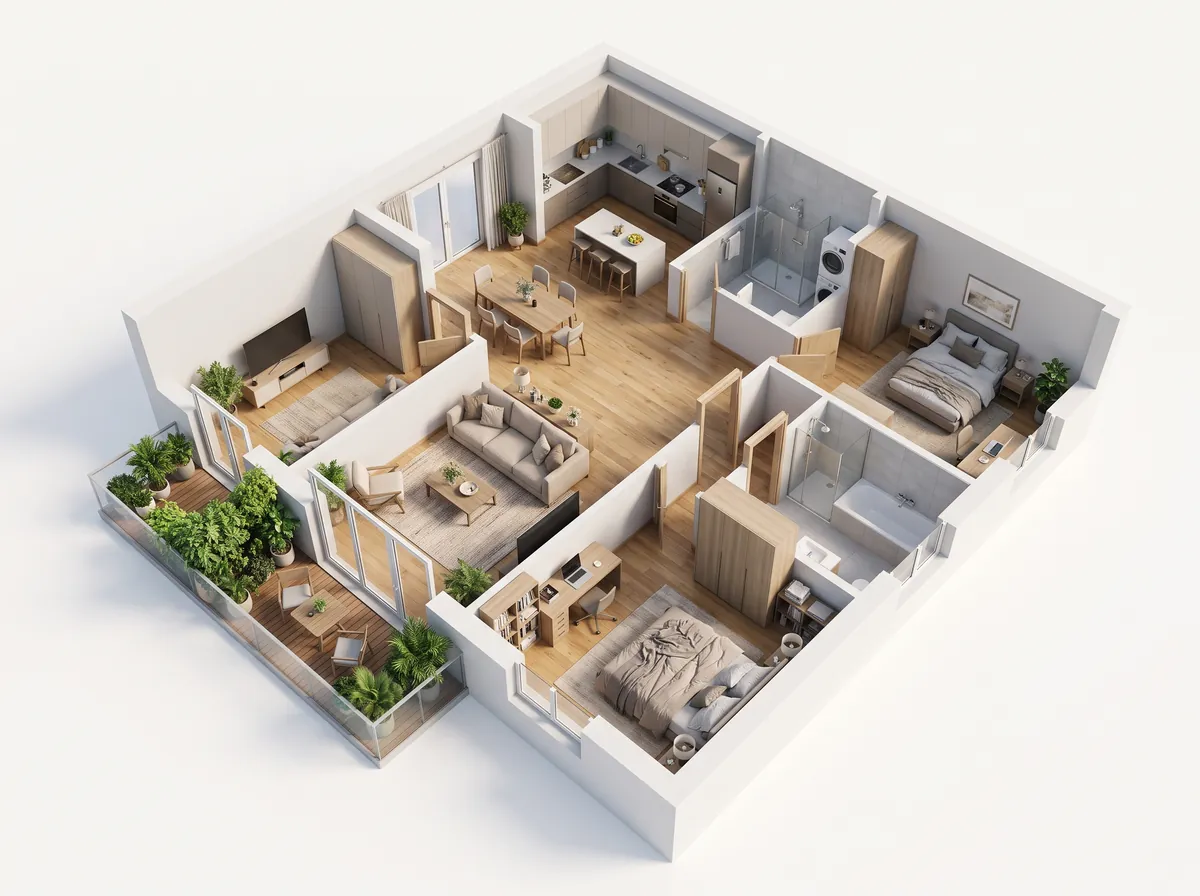
Turn a 2D floor plan into a furnished 3D plan
Drop in your floor plan and get a furnished, legible 3D plan with the same walls and the same rooms. Examples of rendered plans.
Furnished 3D plan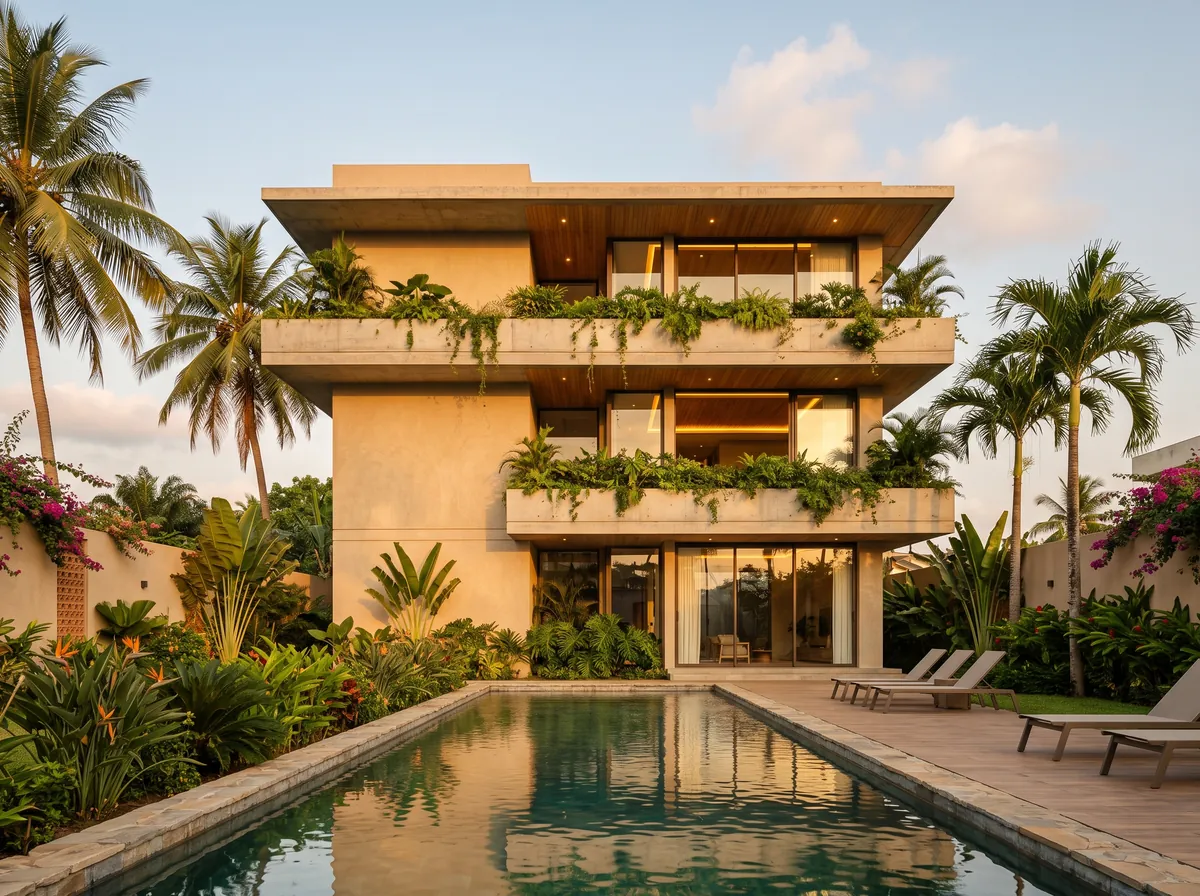
Exterior daylight render
Exterior perspective in daylight: sky, cast shadows, planting and façade materials, on your own geometry. Exterior render examples.
Exterior day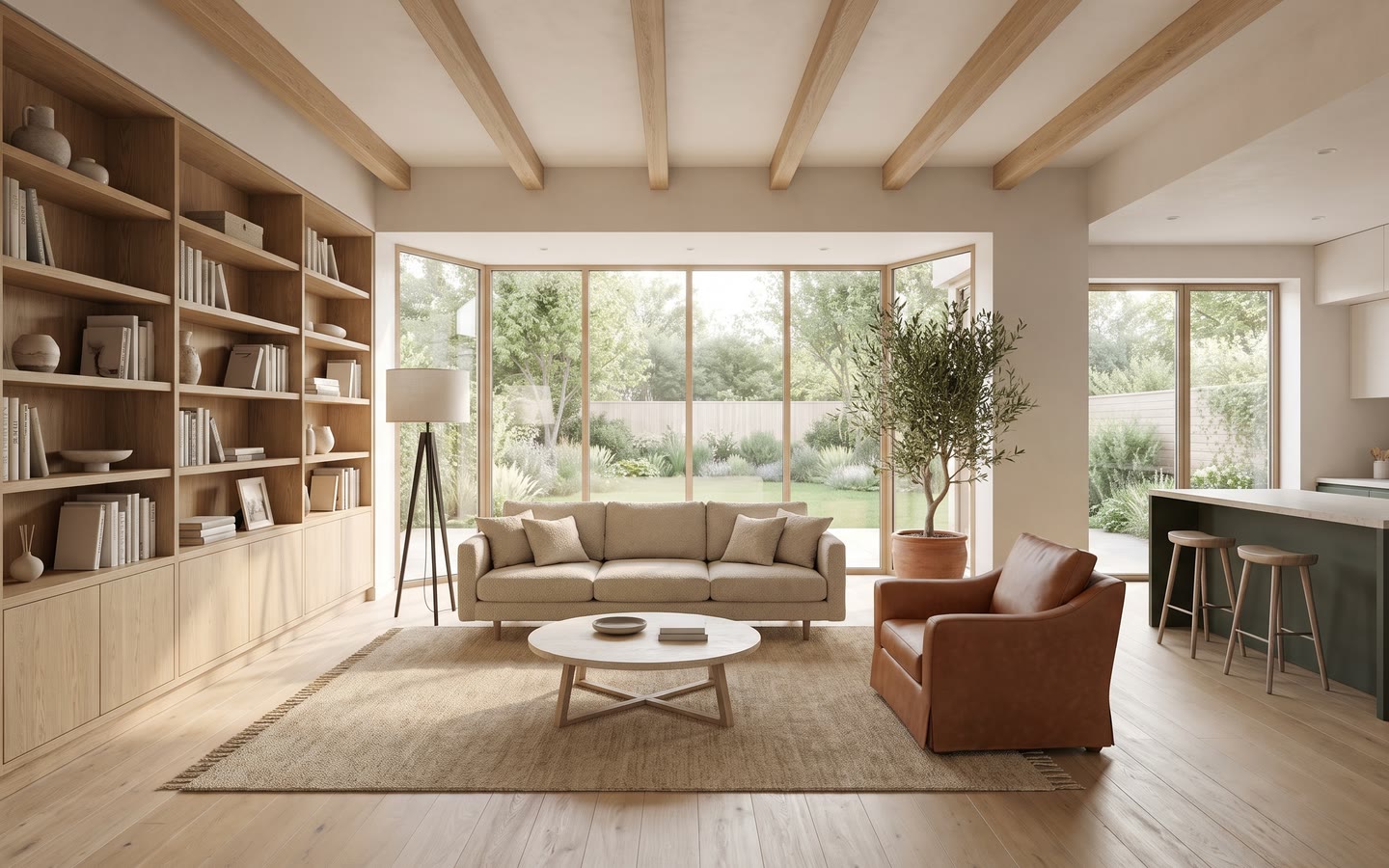
AI interior rendering
Living room, bedroom, kitchen, office: a photorealistic interior render from a sketch, a 3D capture or a photo, with your volumes and your openings.
Interior day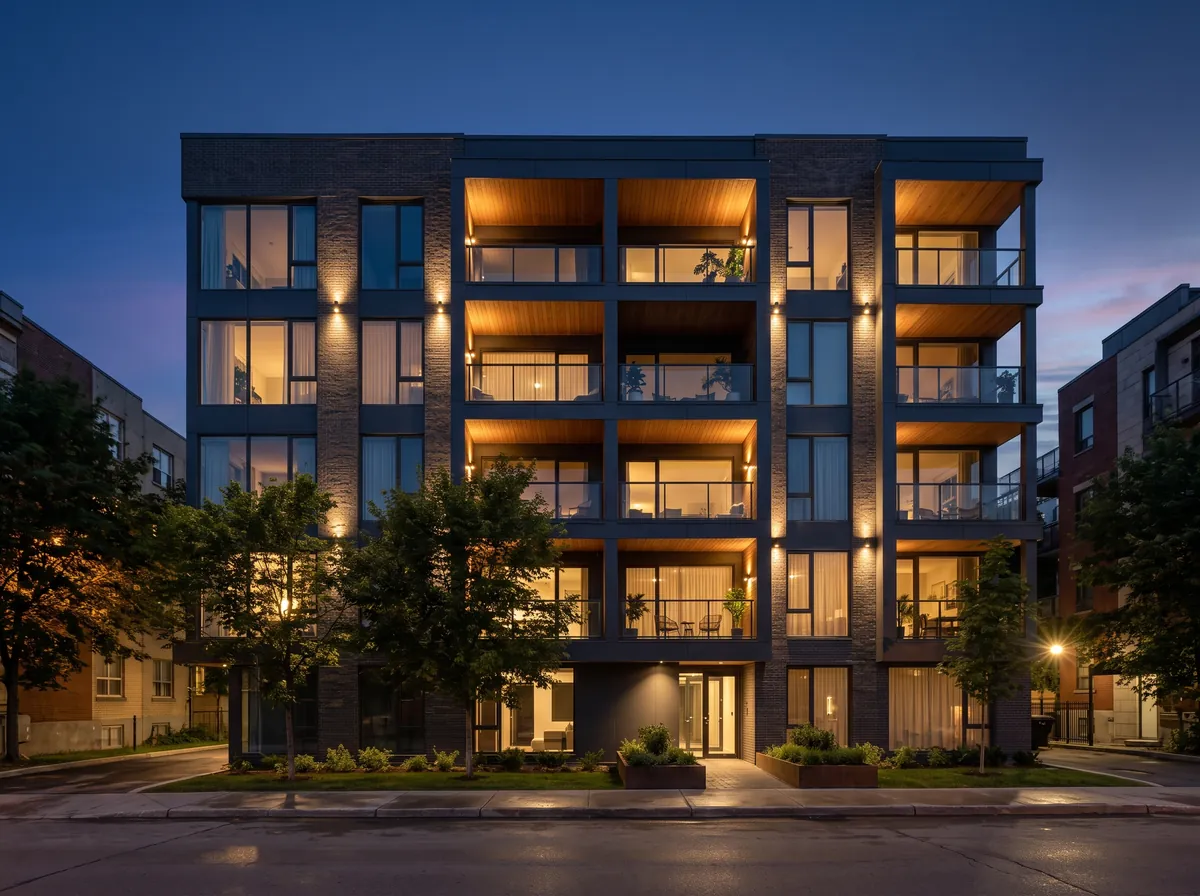
AI night rendering
Façade at night, lit windows, street lighting, dark sky: a night render from the same sketch as your daytime view.
Exterior night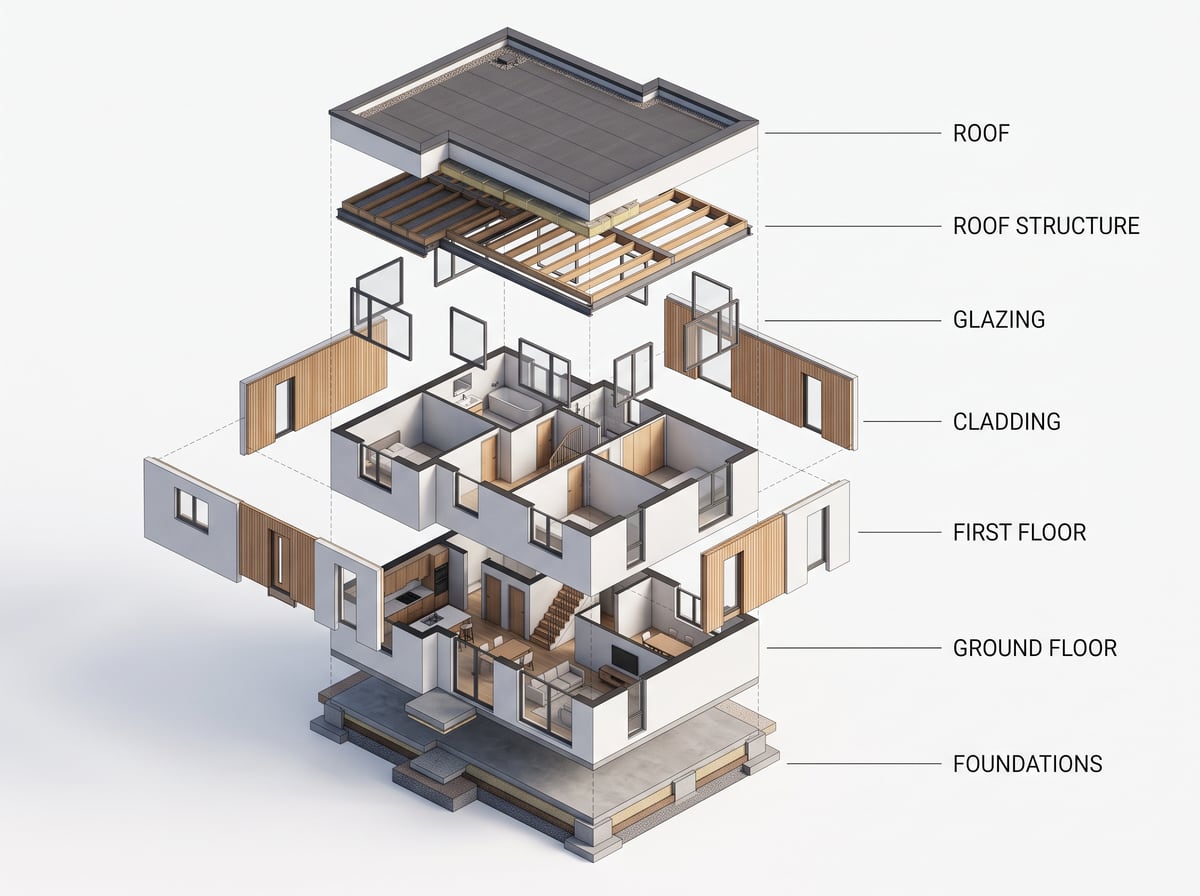
AI-generated exploded axonometric
Break a building into layers — structure, envelope, floors — as a legible exploded axonometric, from a plan or a 3D view.
Exploded axonometric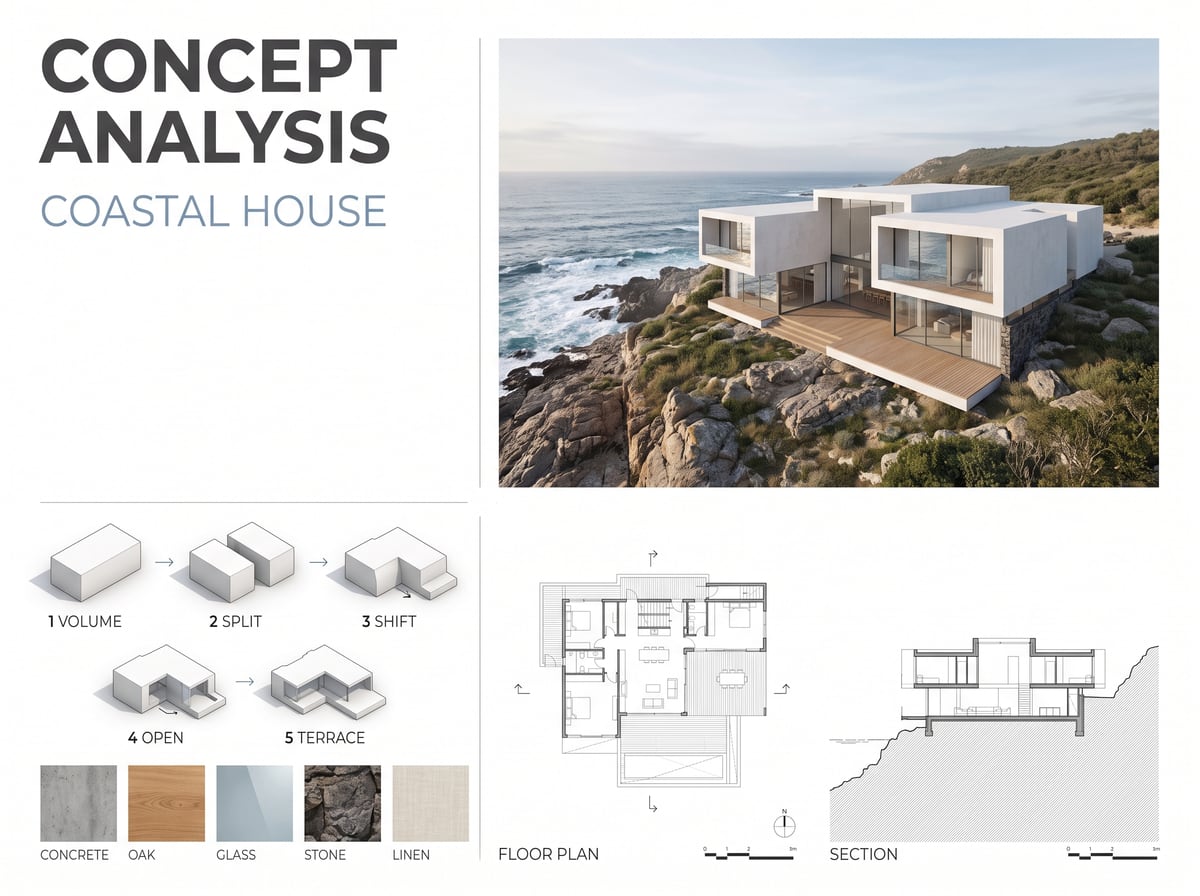
Architectural concept board
Site, orientation, flows, intentions: a legible analysis board generated from your plan, for a competition file or a studio submission.
Concept board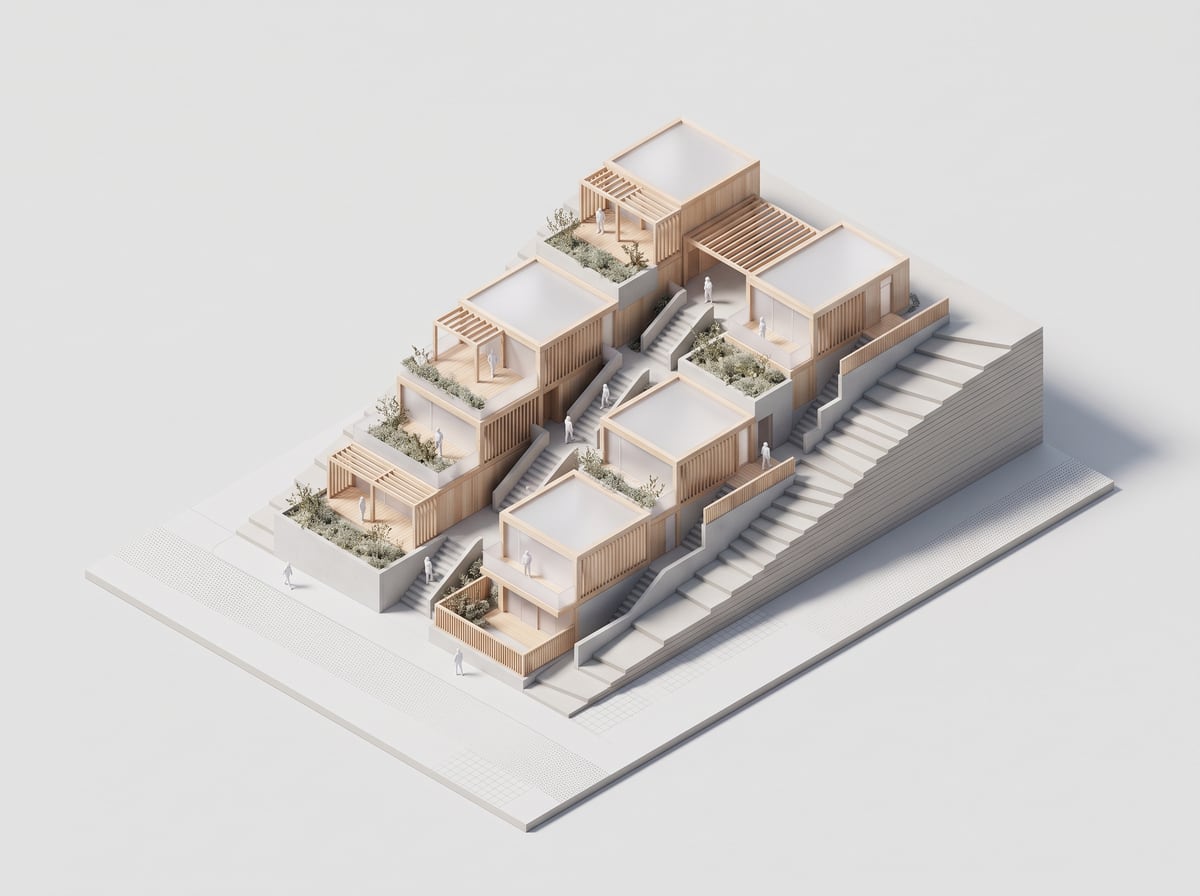
AI-generated isometric model
Turn a plan or a 3D view into a clean isometric model, like a physical model photographed in a studio.
Isometric model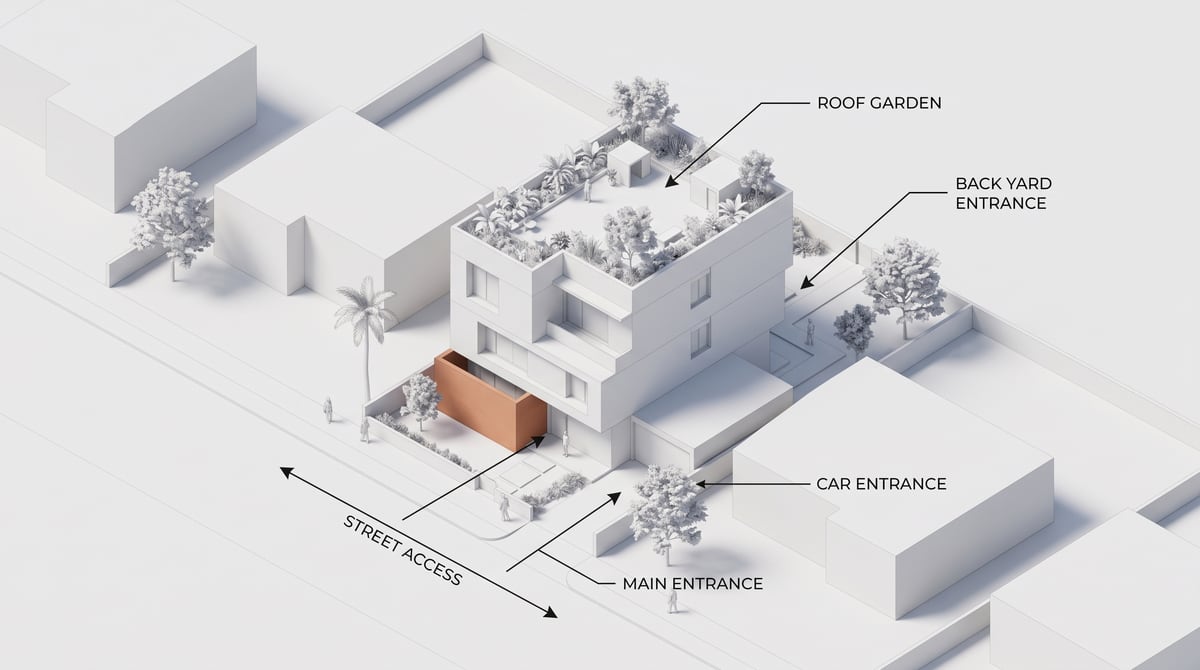
Access and circulation diagram
A white annotated diagram showing the entrances, circulation and levels of your project, generated from your plan or 3D view.
Access diagram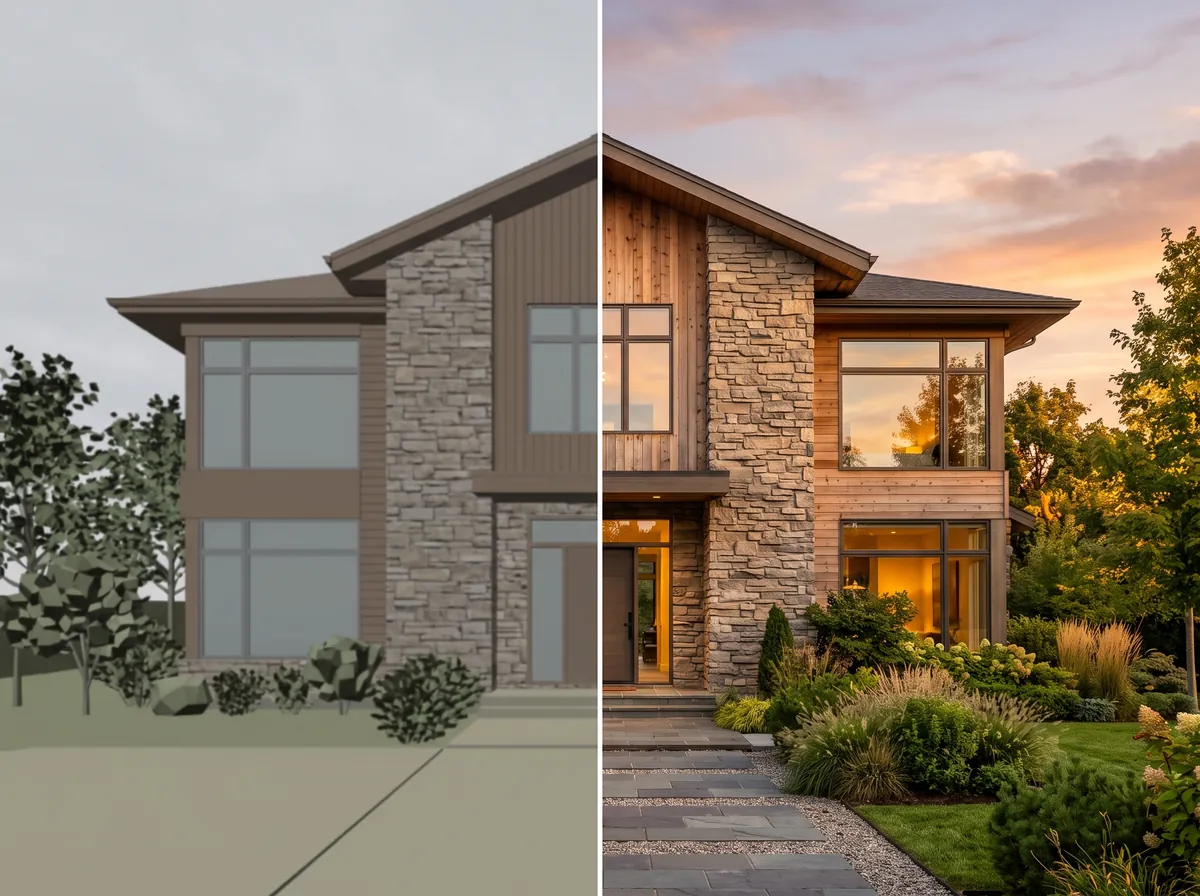
Improve the quality of a 3D render
Sharpness, detail, light, materials, sky, planting: take a blurry or flat render and make it presentable, without rebuilding the scene.
Try it on your own image
Create your account, drop in an image, run a render. The plans and what each render costs are on the pricing page.