
AI night rendering
A project often sells twice: a daytime image and a night one. The second needs no new drawing, only a different ambiance on the same sketch.
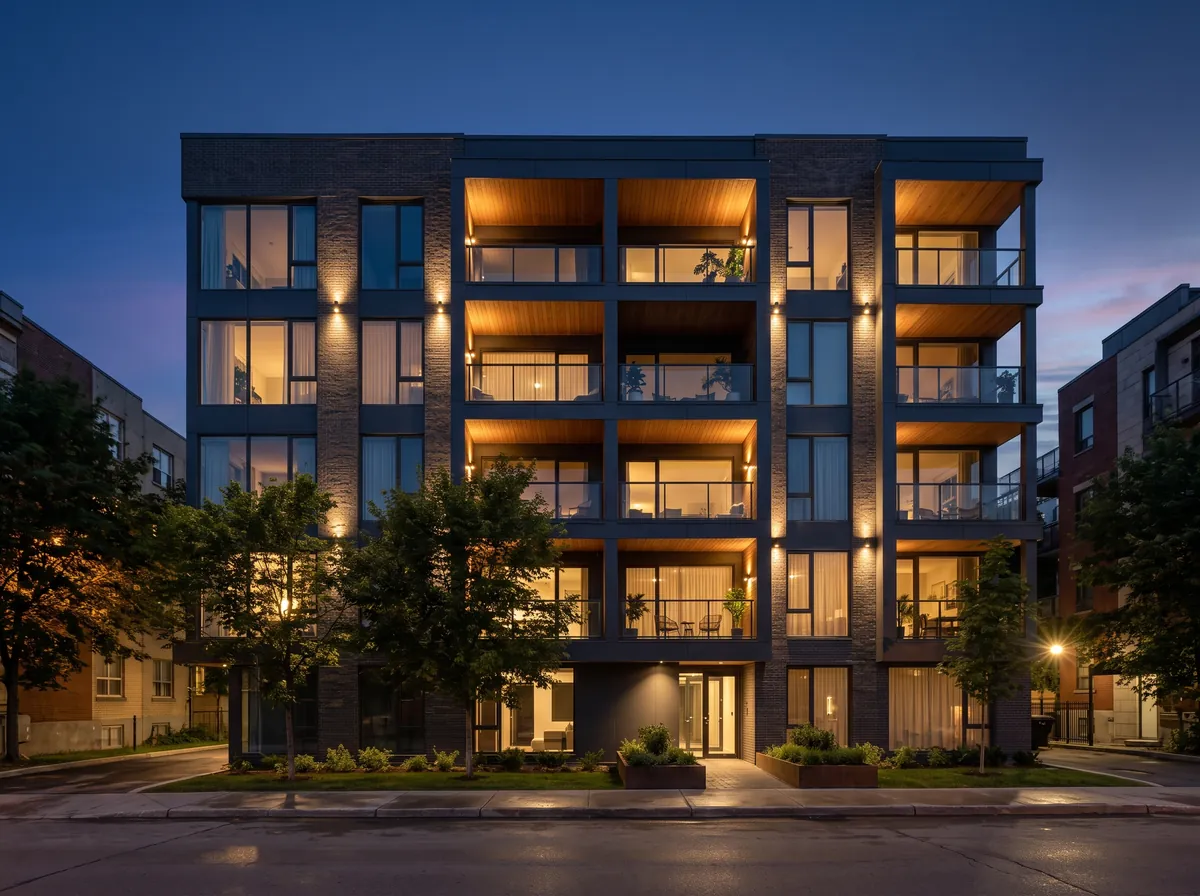
How it works
- 1Take the sketch or capture that produced your daytime view.
- 2Pick Exterior night — or Interior night for a room.
- 3Send the render, then compare the two images side by side.
- 4Download both: same project, two ambiances.
What night reveals about the project
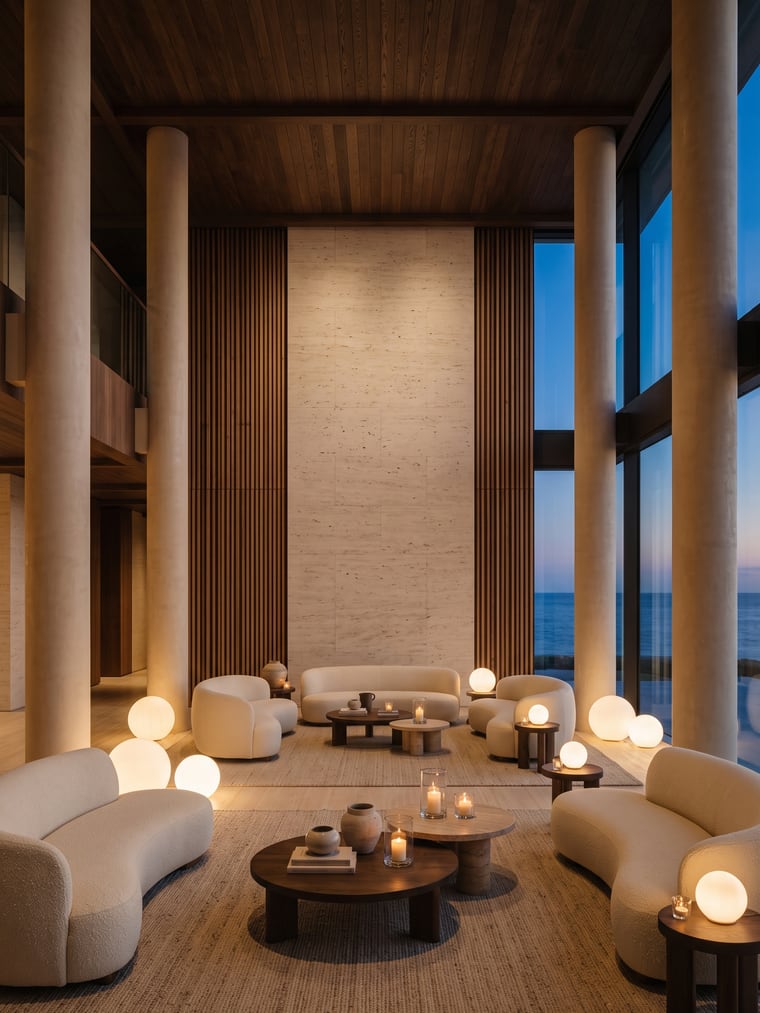
At night it is interior light that draws the building: glazing becomes bright surfaces, setbacks disappear, the silhouette matters more than the material. The Exterior night ambiance carries its own values — dark sky, warm windows, street lighting, reflections on the ground — and keeps the geometry of your input image like every other one.
The same project, two comparable images
Because both renders start from the same source image, the viewpoint and the volumes are identical from one to the other. That is what makes a credible board: the same house, by day then by night, rather than two houses that look alike. For a third intention, Golden hour sits between the two.
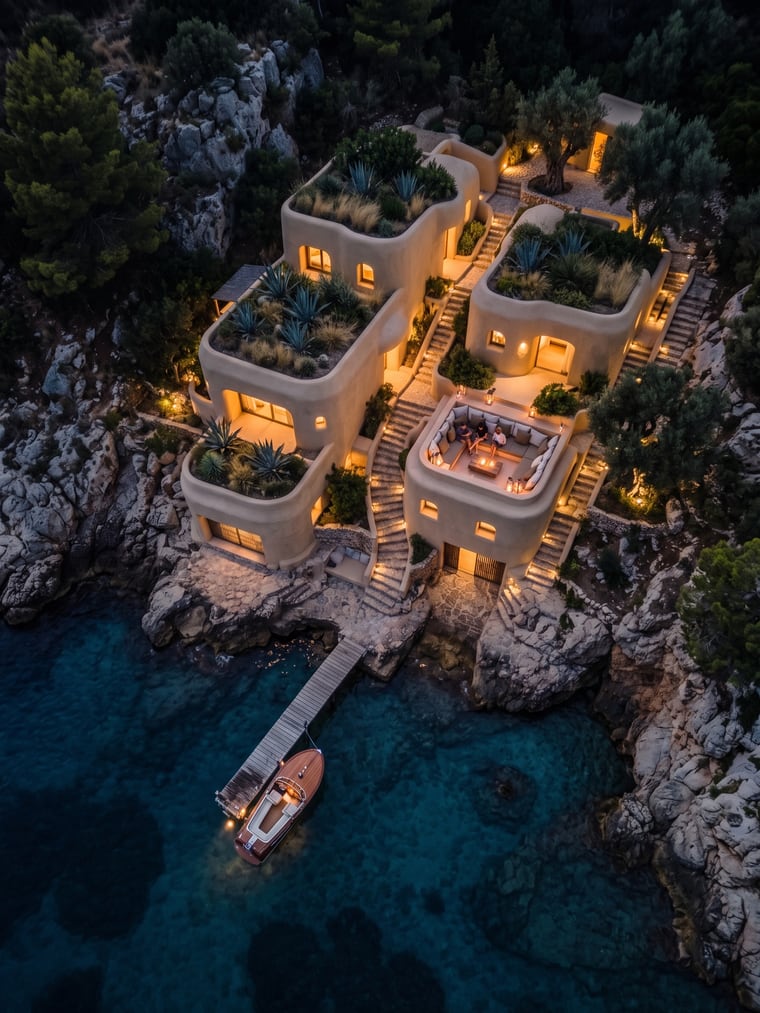
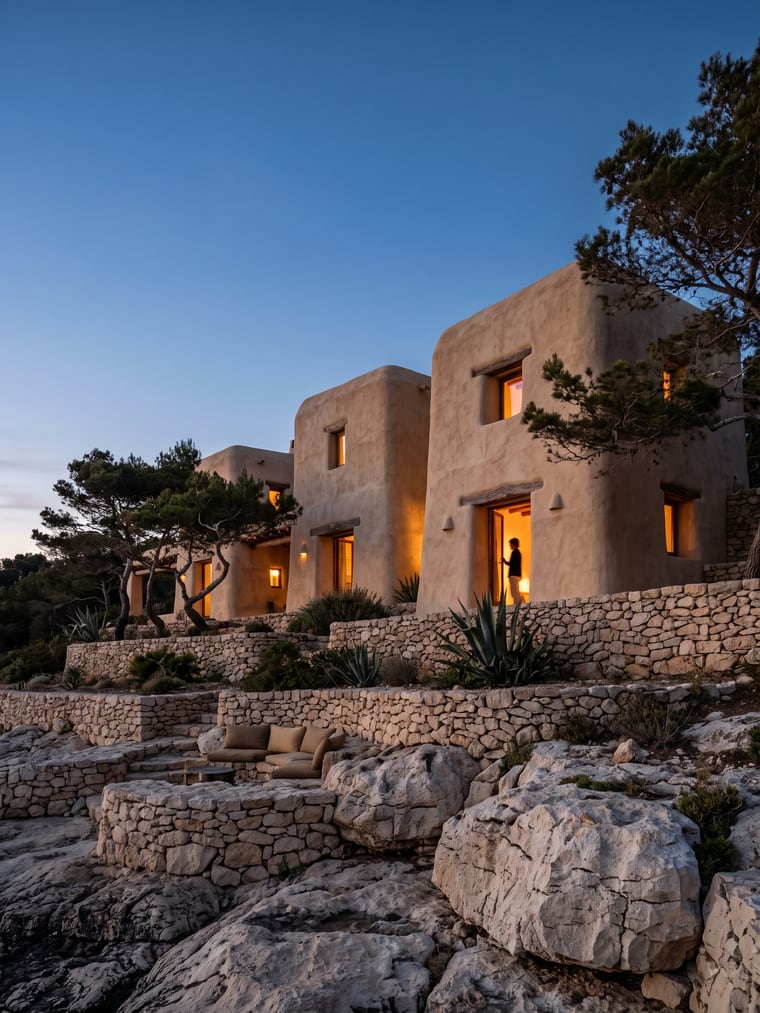
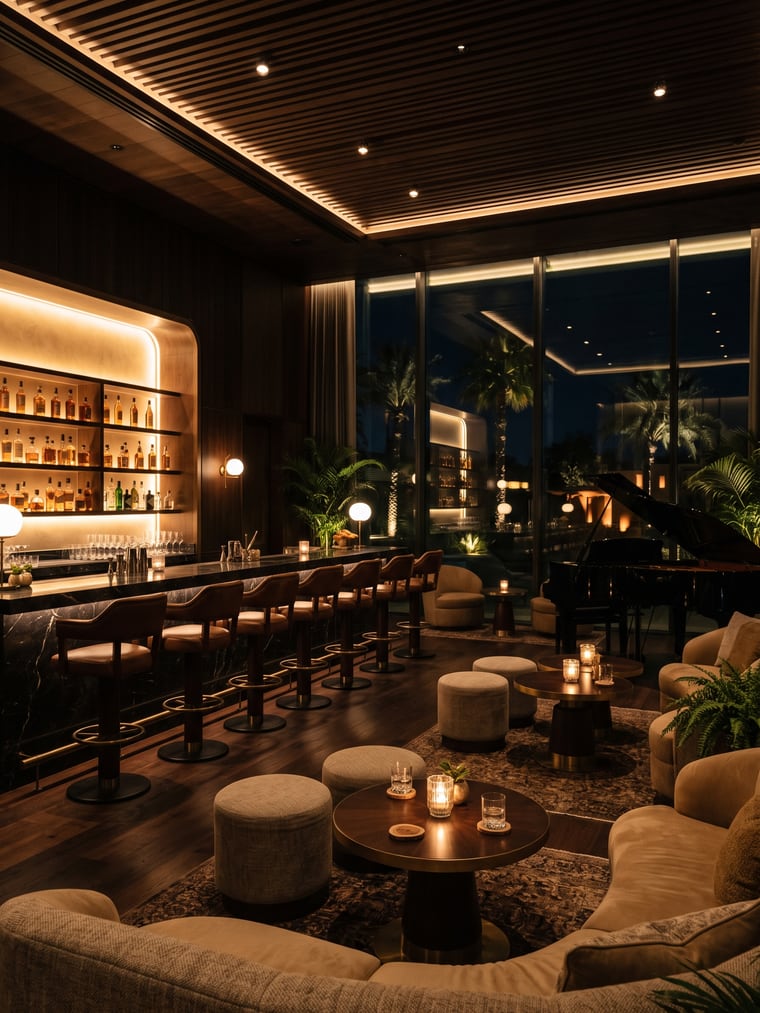
Examples
Frequently asked questions
- Do I need to redraw for the night view?
- No. Same sketch, different ambiance. That is the whole point of starting from an image.
- Is the lit glazing coherent?
- It follows the openings of your image: the engine is not allowed to add or remove any.
- What about a render in the rain?
- Rainy day is a separate ambiance, with its own sky, wet ground and reflections.
Try it on your own image
Create your account, drop in an image, run a render. The plans and what each render costs are on the pricing page.