
Turn a hand sketch into a photorealistic render
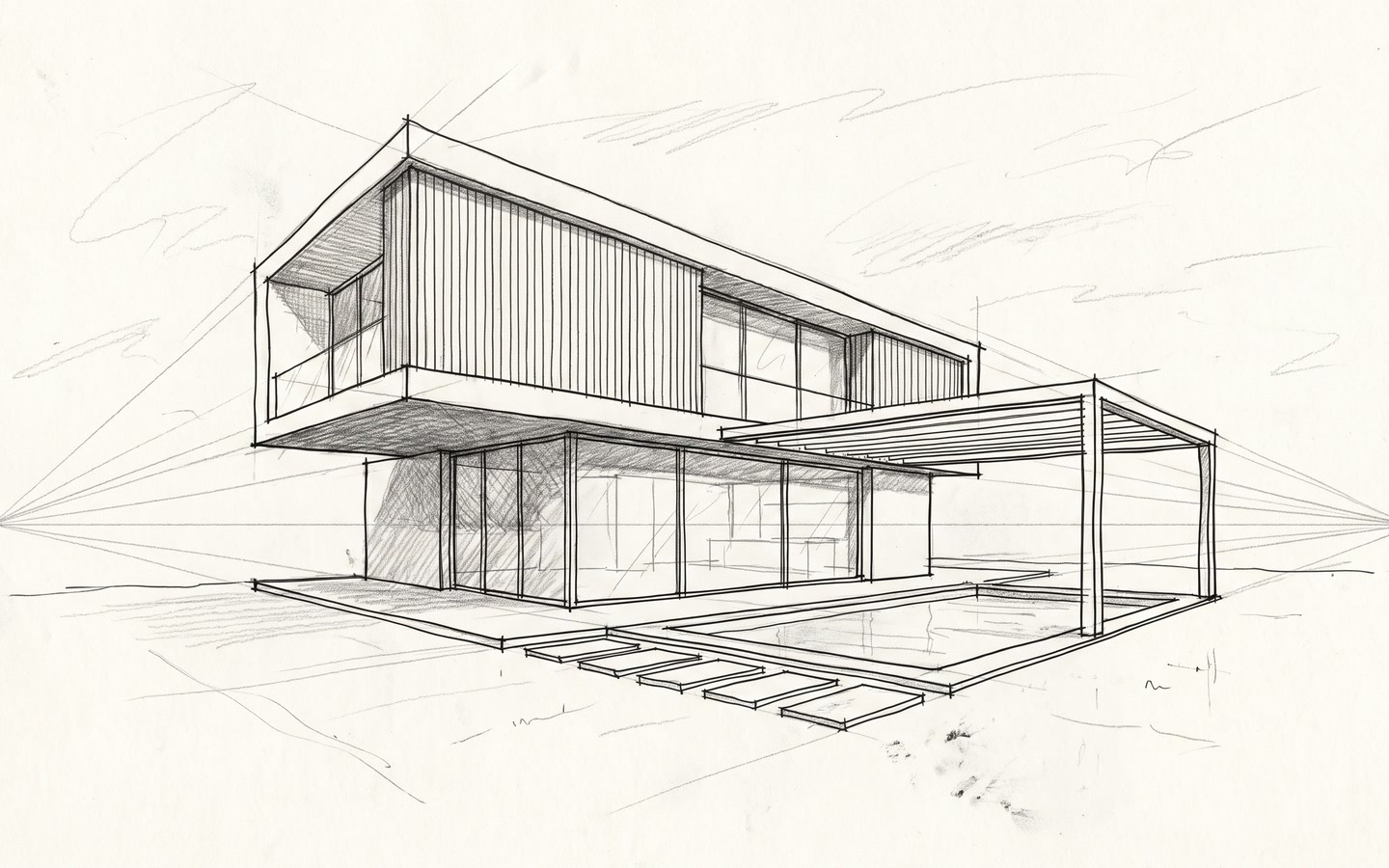
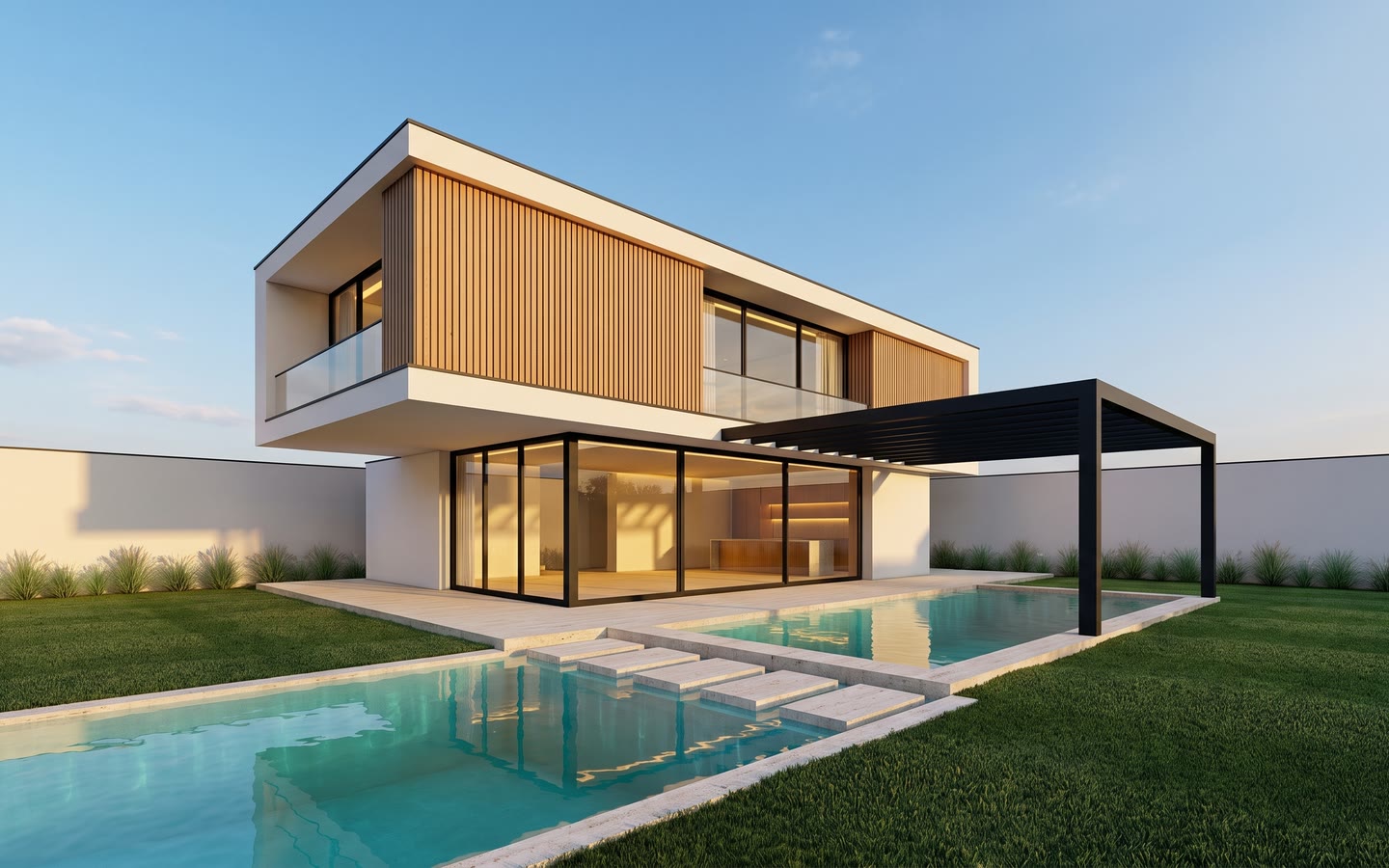
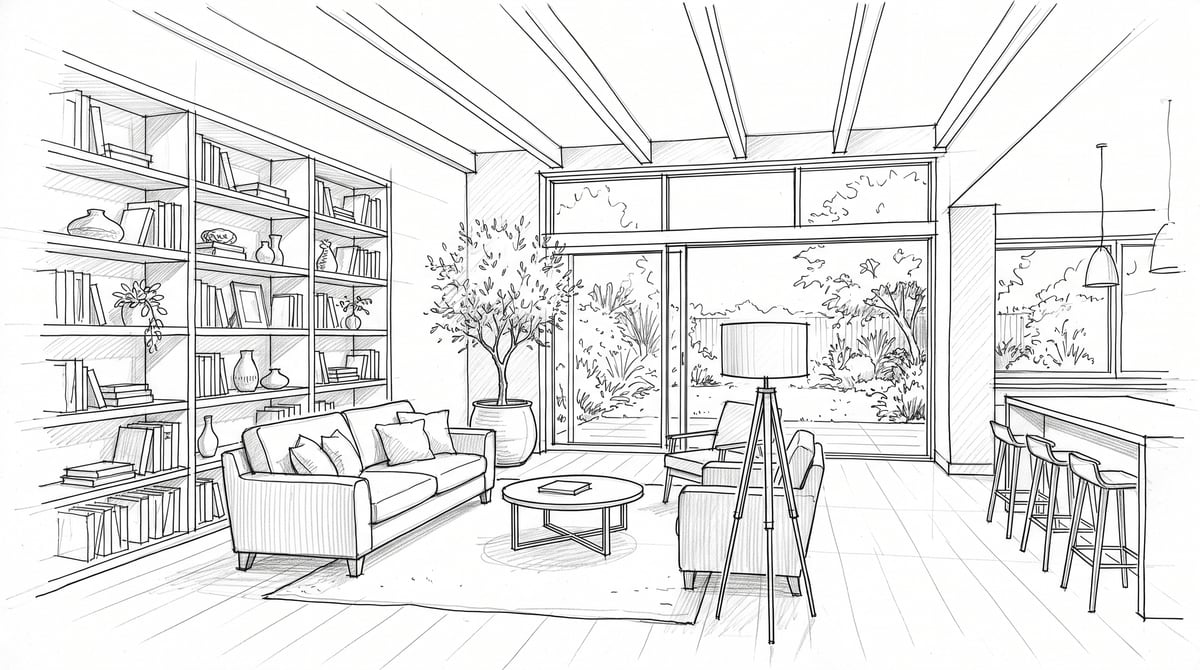
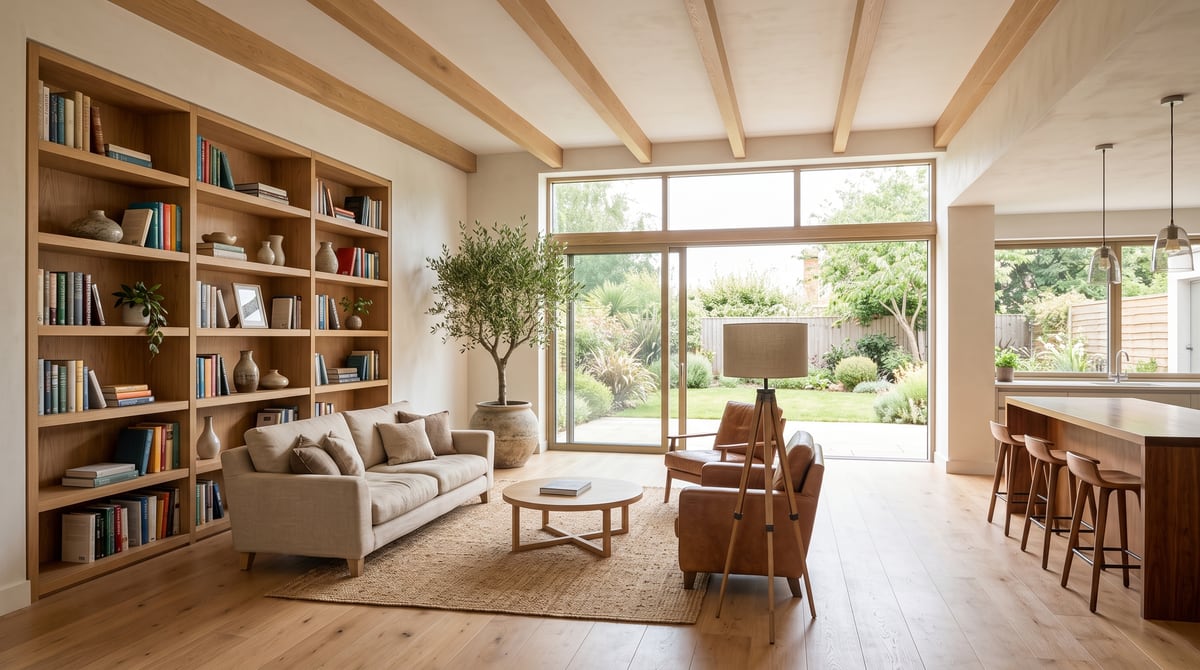
A photo of your sketchbook is enough: no export, no 3D model, no render engine to set up. The render arrives in minutes, on the geometry you drew.
How it works
- 1Photograph your sketch flat and well lit, or scan it.
- 2Attach the image with the paperclip in the command bar.
- 3Pick an ambiance — or none, for a photo render faithful to the drawing.
- 4Send, then download the render or run another variant.
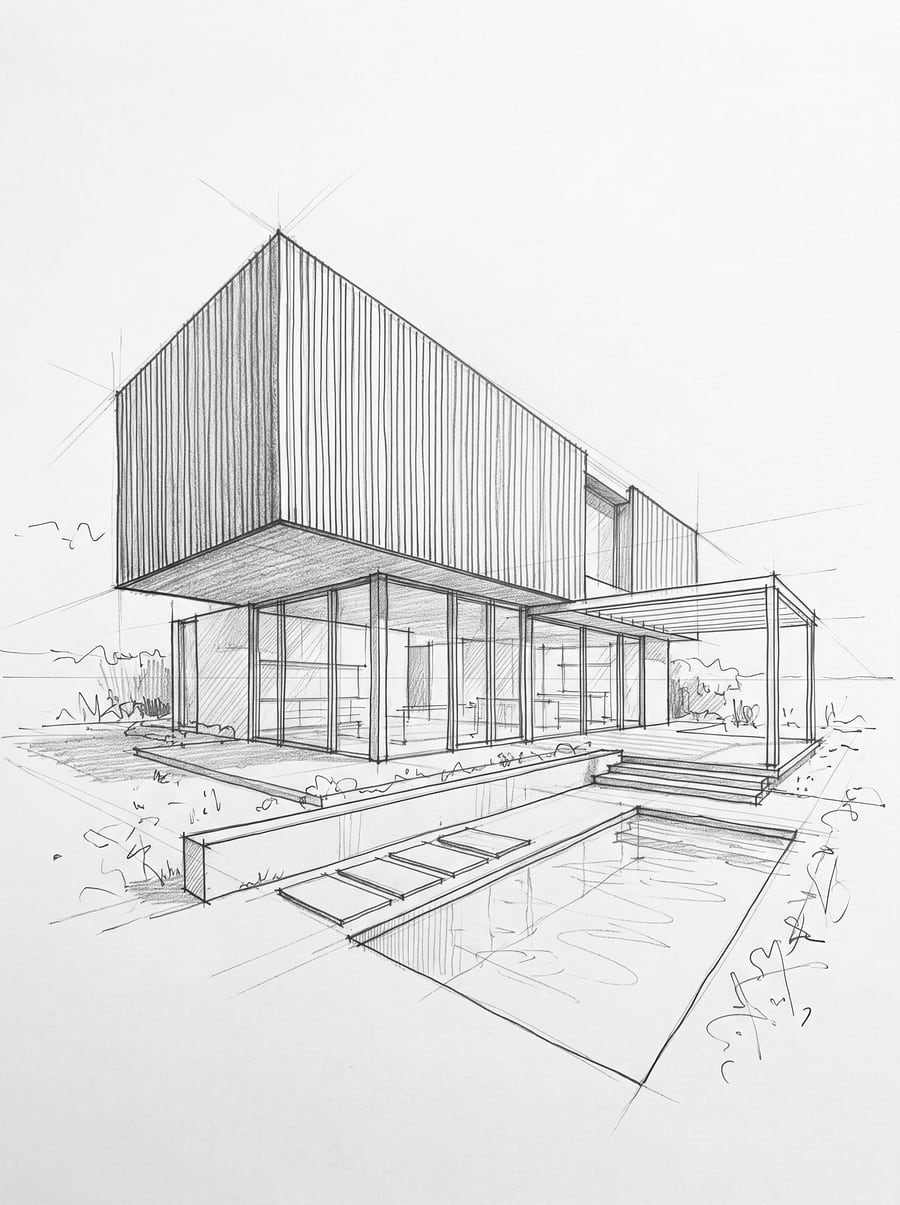
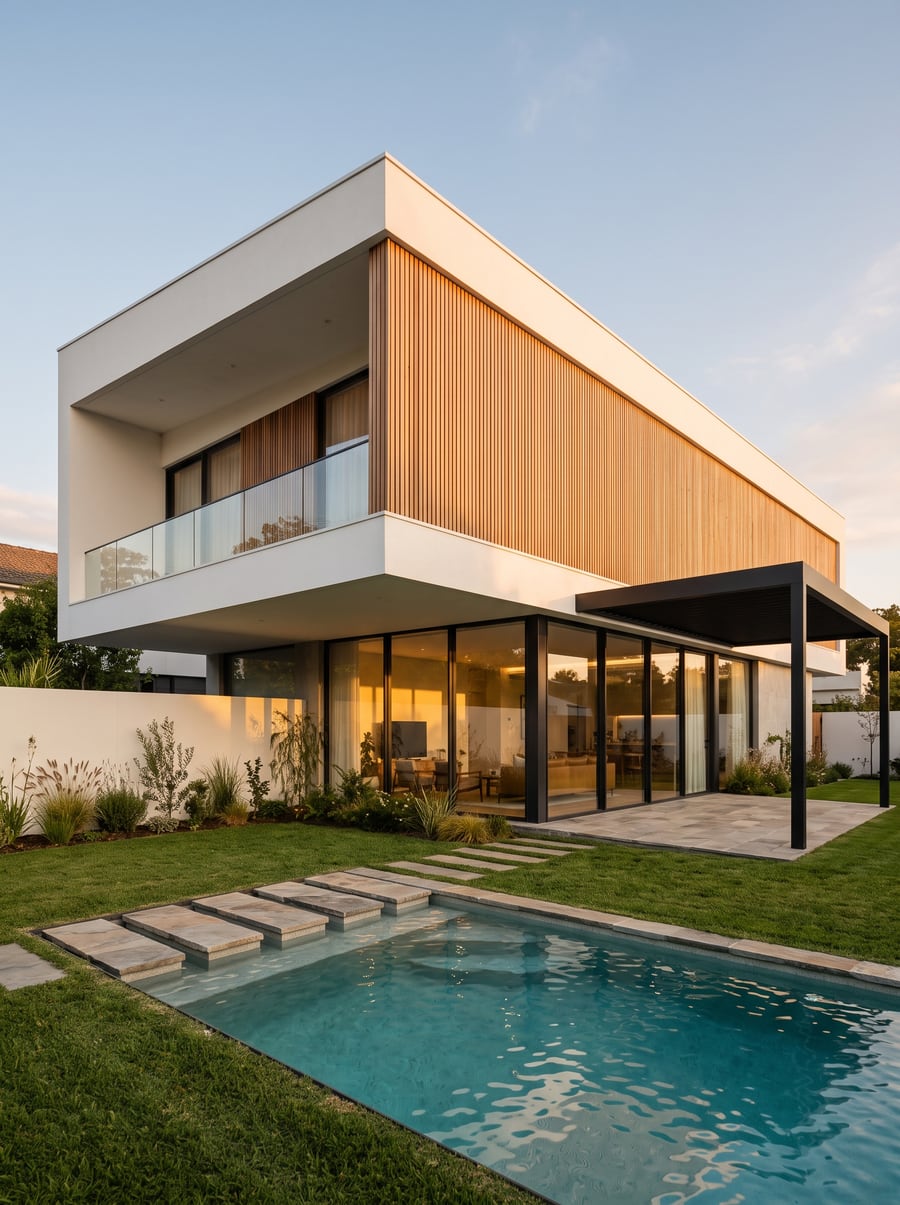
Your volumes do not move
This is where general-purpose image generators fail: they redraw the building. Every RenderPro ambiance ends on a fidelity clause forbidding the engine to change the geometry, the volumes, the framing and the openings of your input image. What you drew stays what is rendered; what changes is material, light and atmosphere.
What makes a good starting sketch
A legible line matters more than a beautiful drawing. A quick pen perspective gives a better result than very light pencil, because the engine has to tell edges apart. Photograph it flat, without your hand casting a shadow, and frame the drawing alone — the sketchbook binding and the edge of the table get read as parts of the image. A plan, a section, an axonometric or a 3D screenshot all work the same way.
Naming the materials the sketch cannot show
A line drawing does not say whether the façade is timber, fair-faced concrete or render. Two ways to settle it: write your request in the command bar, or add up to three reference images — photographs whose materials, planting and sky the engine takes, never their geometry. A reference stays pinned from one render to the next, which keeps a series of sketches in the same material.
Examples
Frequently asked questions
- Are my proportions kept?
- Yes — that is the main constraint sent to the engine: same viewpoint, same volumes, same openings. If a render drifts, run it again: each render is one draw, and you can ask for several.
- Do I need a 3D model?
- No. RenderPro starts from an image: a photo of a sketch, a scan, a screenshot of your 3D software or an existing photograph. No CAD format is required.
- How long does a render take?
- A few minutes depending on the size asked for — 1K, 2K or 4K. The cost in credits shows on the send button before you launch.
Try it on your own image
Create your account, drop in an image, run a render. The plans and what each render costs are on the pricing page.