
AI interior rendering
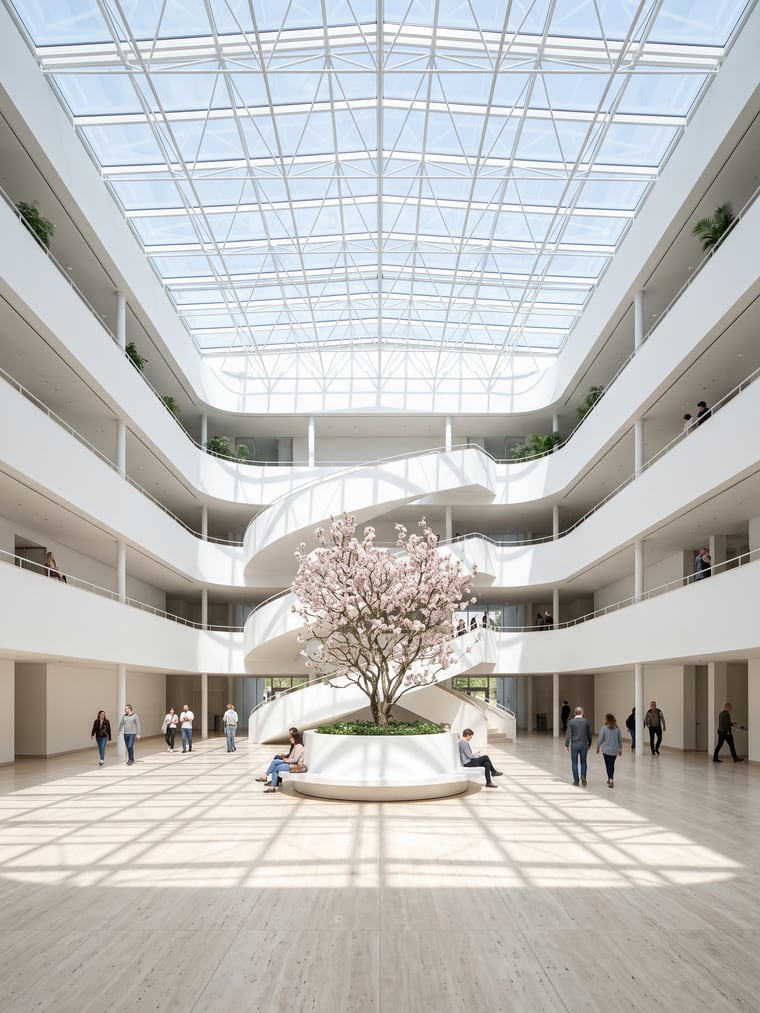
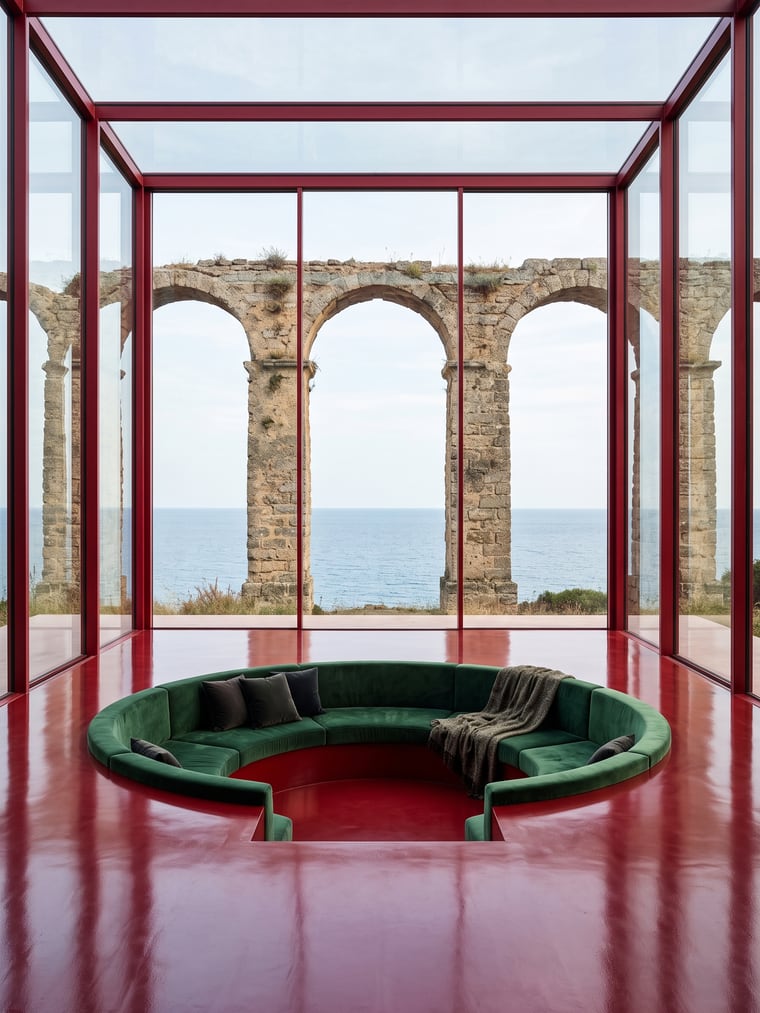
Interior light is the hardest thing to balance in a traditional engine: the window against the room. Here it is described once and held across the whole image.
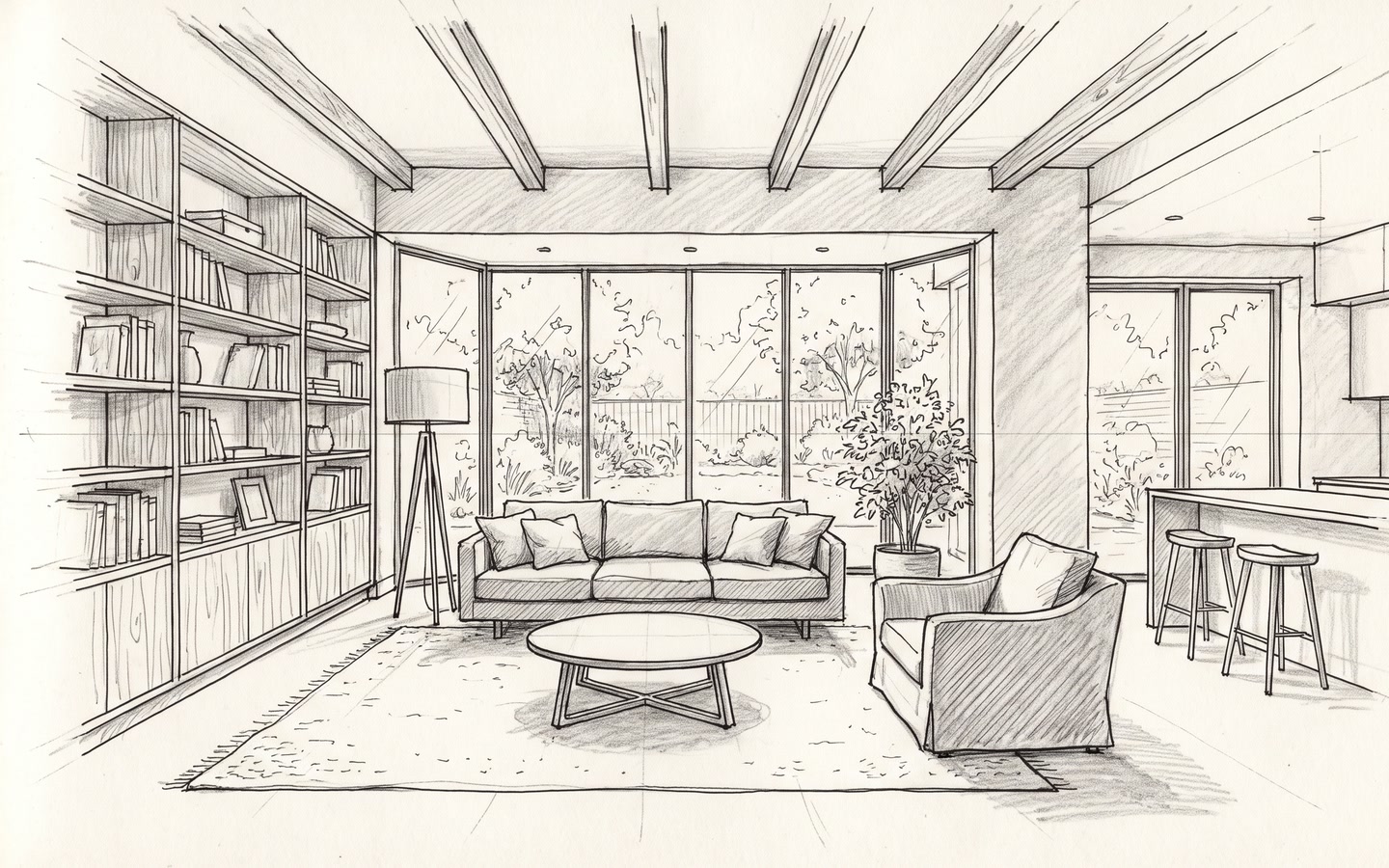
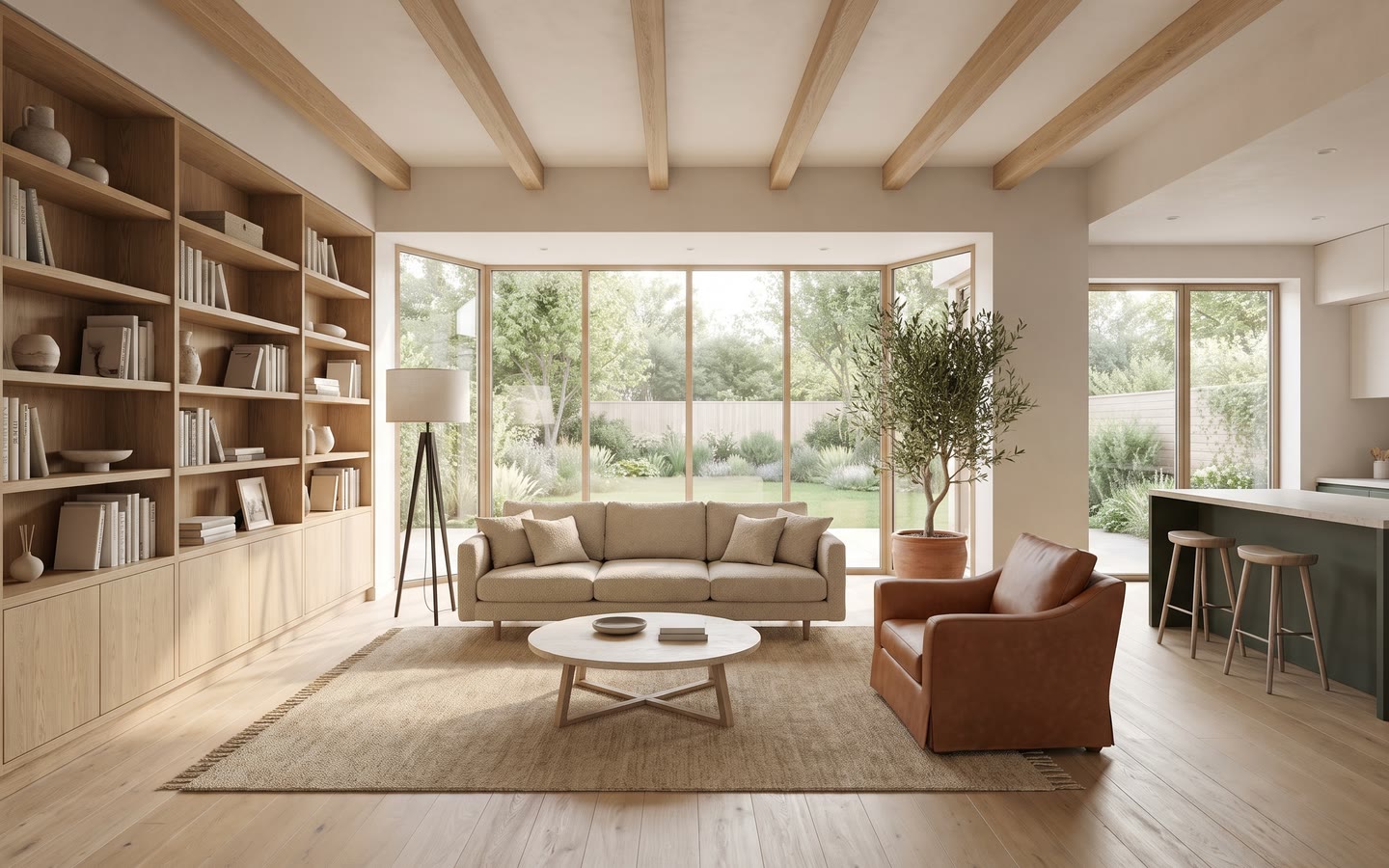
How it works
- 1Attach your interior perspective: sketch, 3D capture or photo of the room.
- 2Pick Interior day or Interior night.
- 3Describe the finishes if the drawing does not show them — floor, walls, furniture.
- 4Send, then change one thing at a time to compare.
The window and the room, together
The reflex of general-purpose generators is to burn out the window or drown the room. The Interior day ambiance carries contrast and exposure values written for that exact case, so the outside stays legible behind the glazing and the corners of the room do not fall into black. For a poorly lit room, Enhance has a Dark room option.
Keep the room, change the material
The walls, the openings and the heights of your drawing do not move. What you can vary: the floor, the finishes, the furniture, the palette, the ambiance. Two renders of the same sketch with two different requests give two comparable proposals — the right way to present a choice to a client rather than describing two options out loud.
A reference for the exact material
When the client has already chosen a floor, a tile or a fabric, describing it is not enough. Add the photograph of the material as a reference image: the engine takes its material, not its geometry. Up to three references, which stay pinned until you remove them.
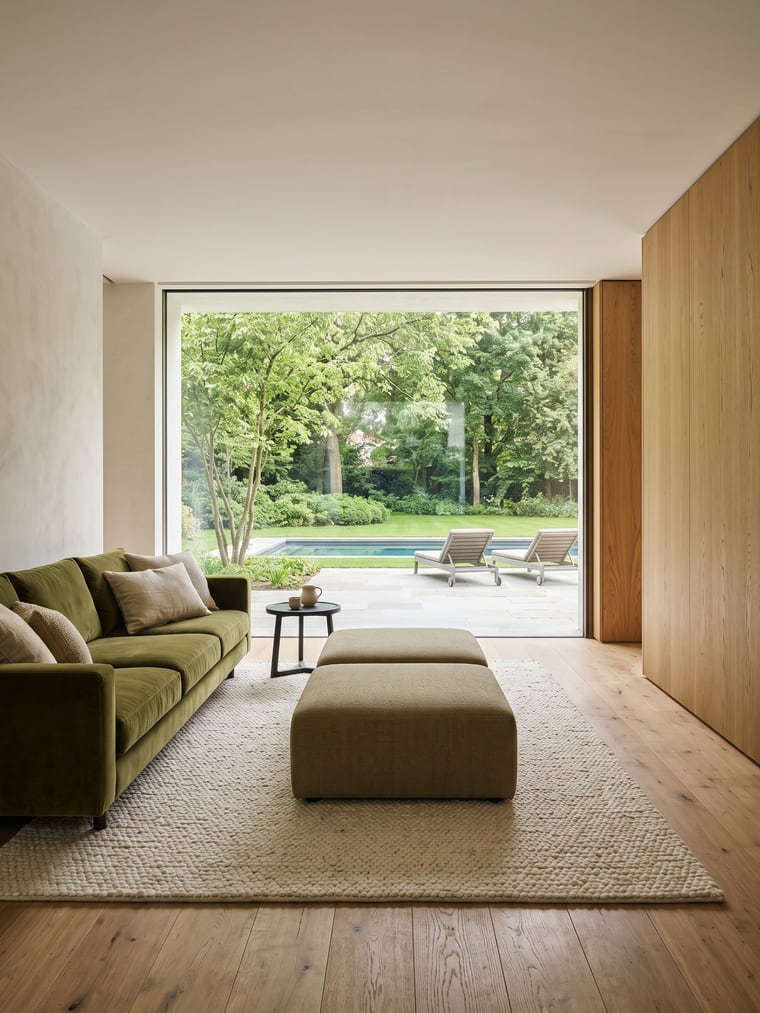
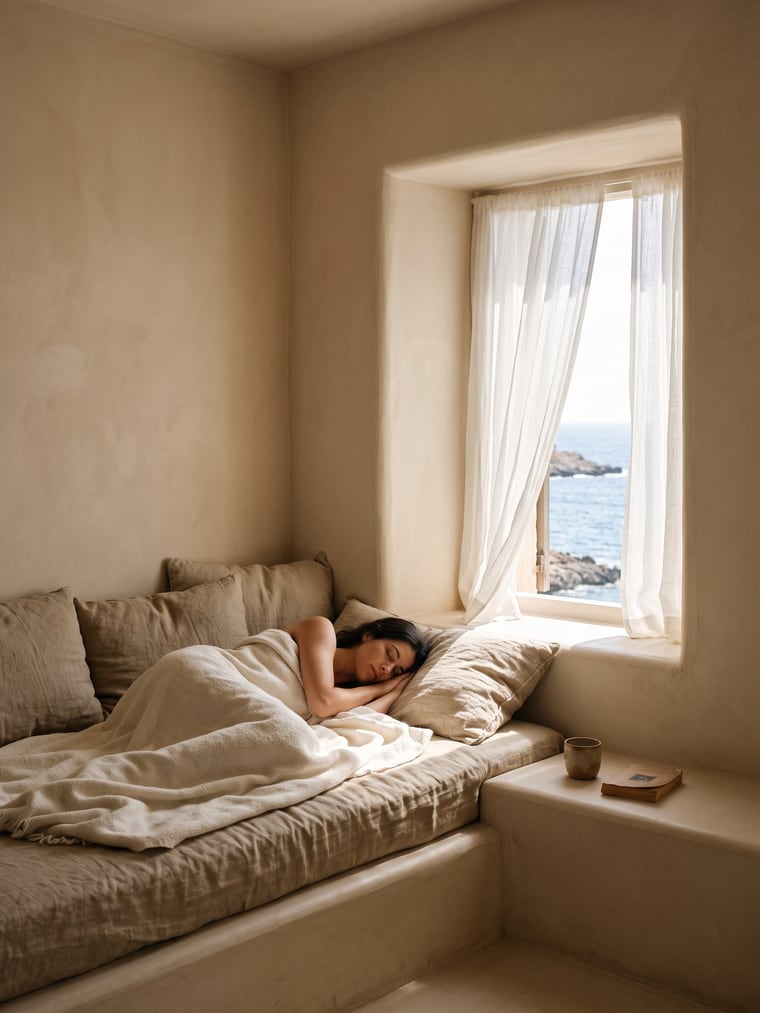
Examples
Frequently asked questions
- Can I start from a photo of the existing room?
- Yes. A photograph is an image like any other, and that is the typical refurbishment case: same room, different finishes.
- Is the furniture realistic?
- It is plausible, not catalogued: these are not manufacturer references. For a specific piece, use a reference image.
- What about an interior at night?
- That is the Interior night ambiance, with its own artificial lighting.
Try it on your own image
Create your account, drop in an image, run a render. The plans and what each render costs are on the pricing page.