
AI-generated isometric model
The view that makes a volume legible at a glance, with no misleading perspective. Useful as a file cover or as a project thumbnail.
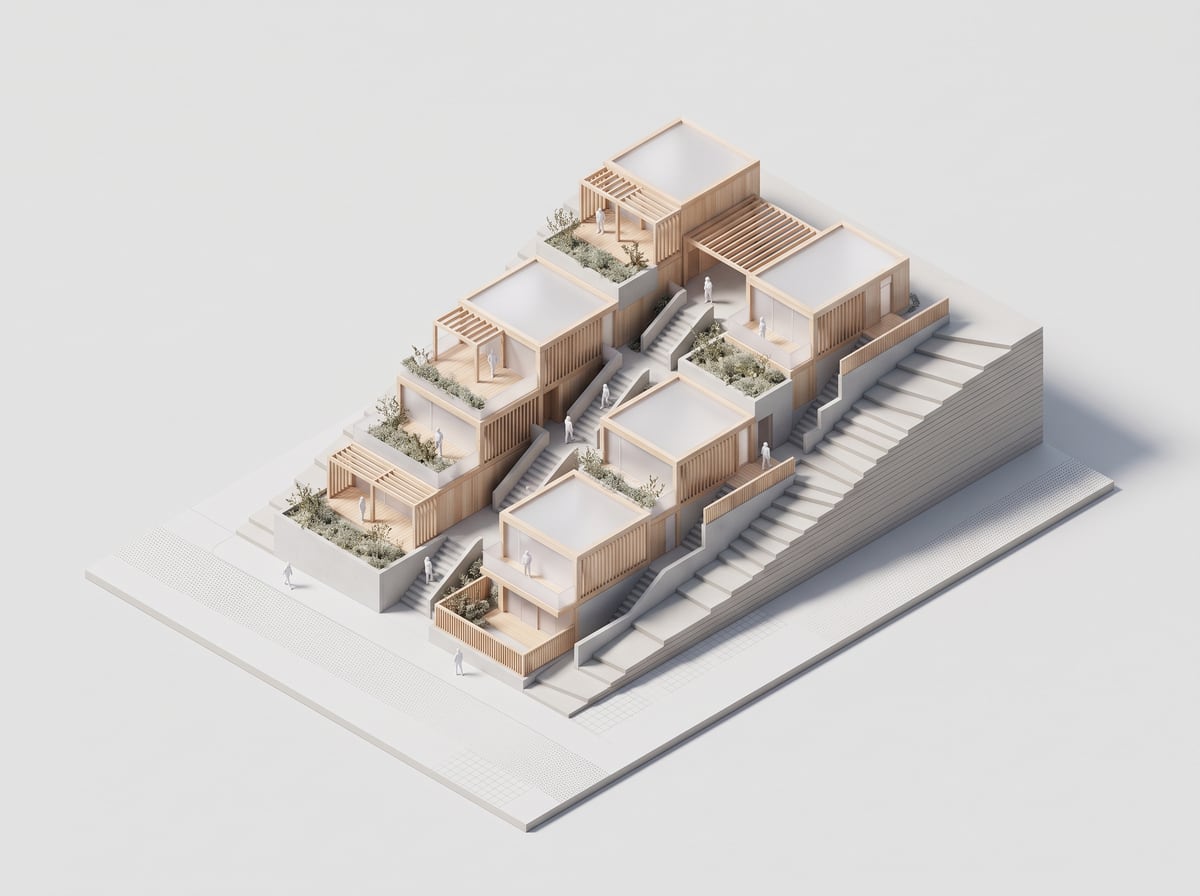
How it works
- 1Attach a plan, an elevation or a 3D view.
- 2Pick Isometric model — or White model for a card-and-plaster mock-up.
- 3Set the level of detail and how the ground is treated.
- 4Send, then keep the same ambiance across a whole series of projects.
Isometric or white model
Two neighbouring ambiances and two different intentions. The isometric model is a drawn, legible, often coloured representation showing organisation. The white model is a photograph of a physical model: card, plaster, studio light, no façade material — it shows massing alone, which is exactly what a competition phase calls for.
A series that holds together
The isometric is the most useful ambiance for a portfolio: running every project through the same one gives thumbnails that share a viewpoint, a palette and a ground treatment. Ten mismatched projects become a series. Keep the same request from one project to the next and change only the source image.
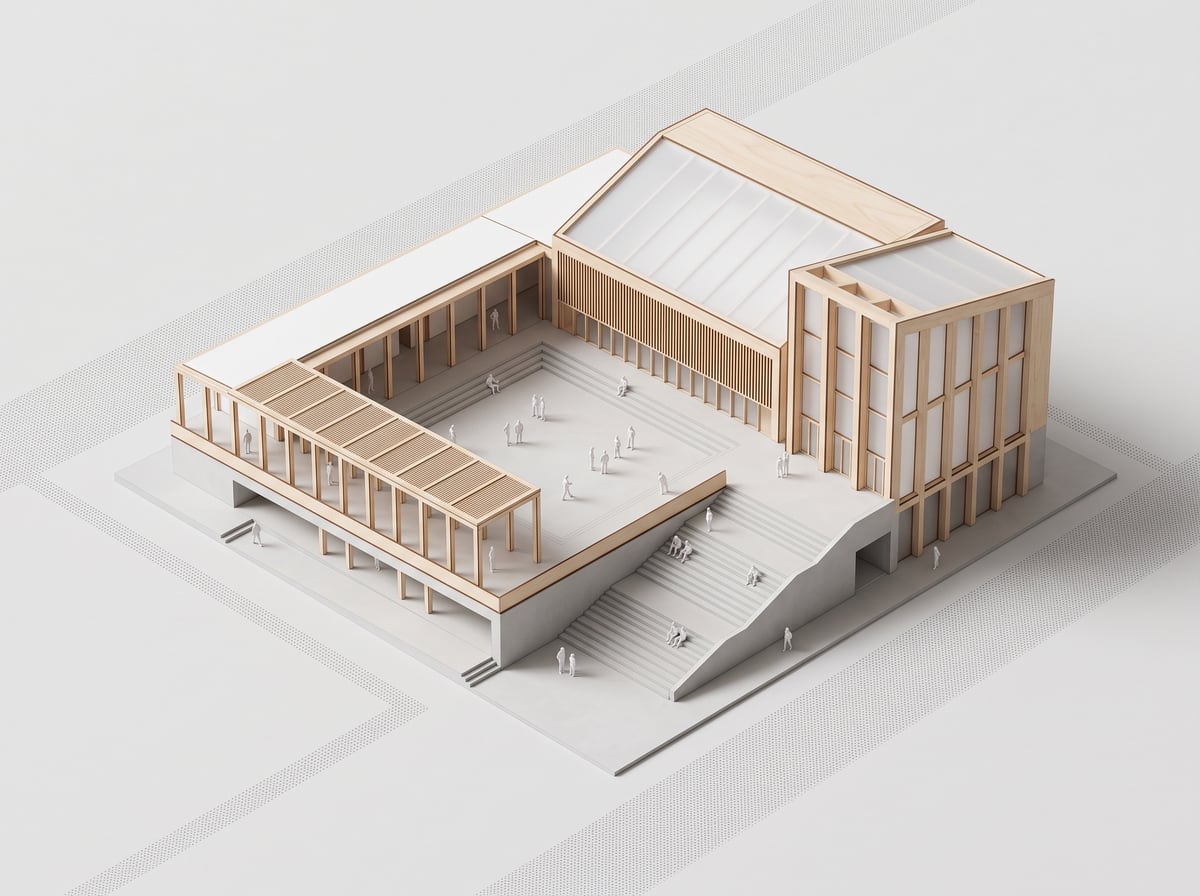
Examples
Frequently asked questions
- Is the scale respected?
- Your image’s proportions are kept, but the render is not a dimensioned document. Do not present it as one.
- Is the background transparent?
- No, the render is a JPEG. For a cut-out, ask for a plain background and cut it out afterwards.
- Can it show the inside?
- Yes, by starting from a section or a plan rather than a façade, or by using the exploded axonometric.
Try it on your own image
Create your account, drop in an image, run a render. The plans and what each render costs are on the pricing page.