
Exterior daylight render
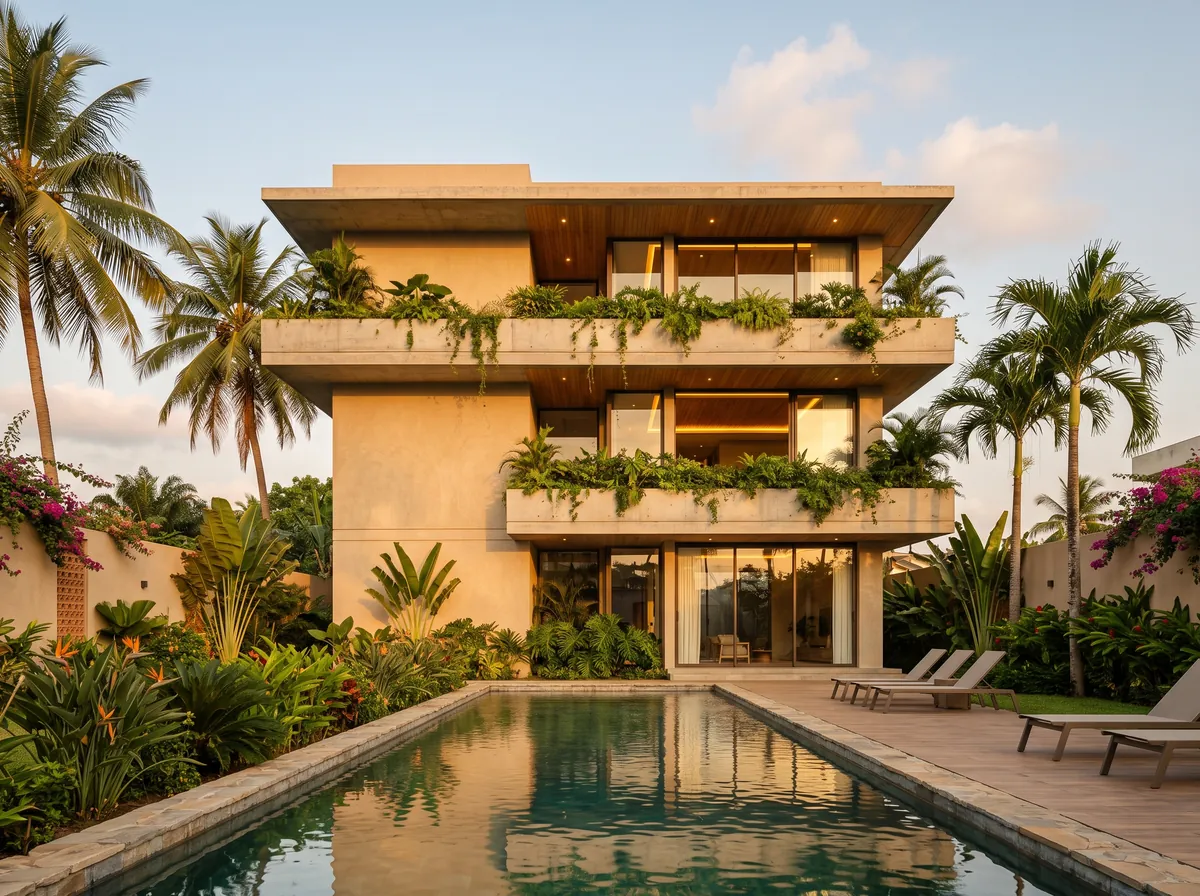
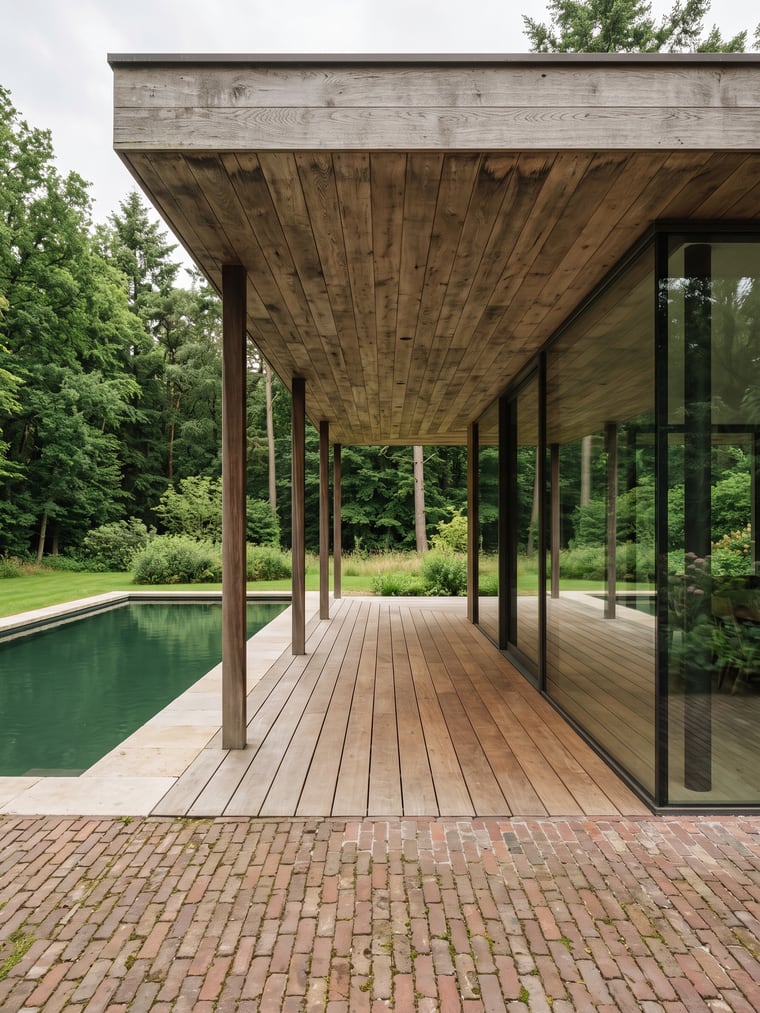
The most requested image: the façade in full light, with a sky, coherent shadows and planted ground. You choose between a hazy sky and direct sun.
How it works
- 1Attach your sketch, your 3D capture or your photo of a model.
- 2Pick the Exterior day ambiance.
- 3Set the ratio and the size — up to 4K.
- 4Send, then add planting or people if the scene lacks them.
The light is described, not improvised
The Exterior day ambiance carries its own description of light: colour temperature, contrast, shadow direction, sky. That is what gives shadows falling the same way across the whole image and a façade that does not blow out. You can replace that text in the command bar before sending: what you read is exactly what goes to the engine.
Hazy sky or direct sun
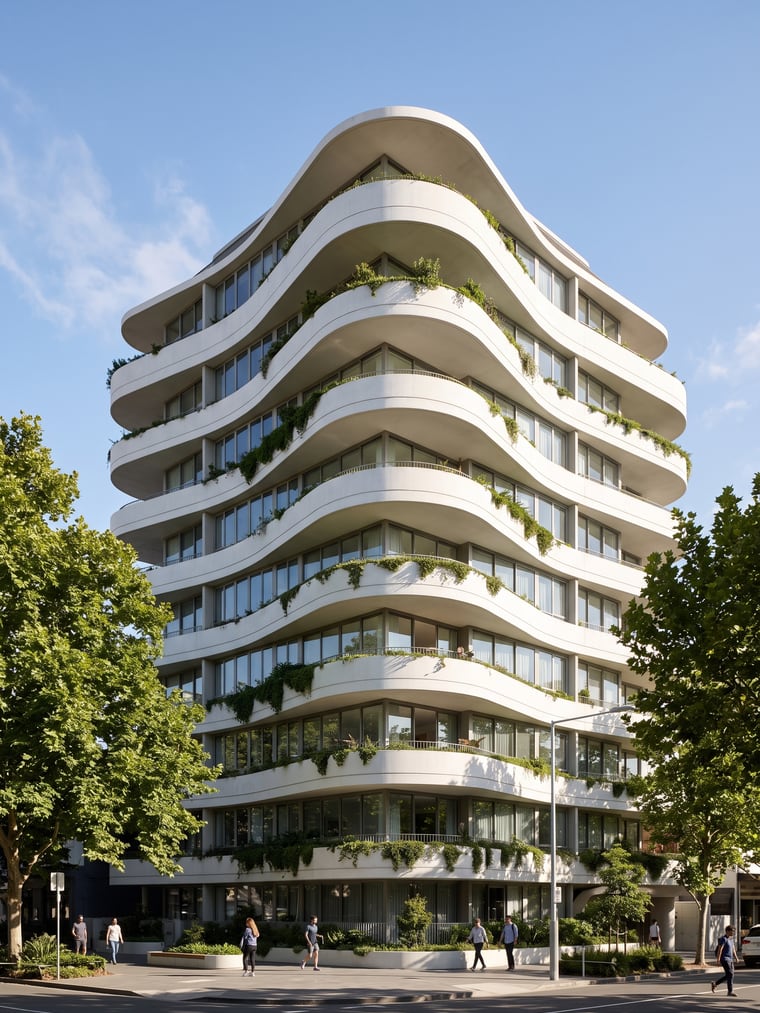
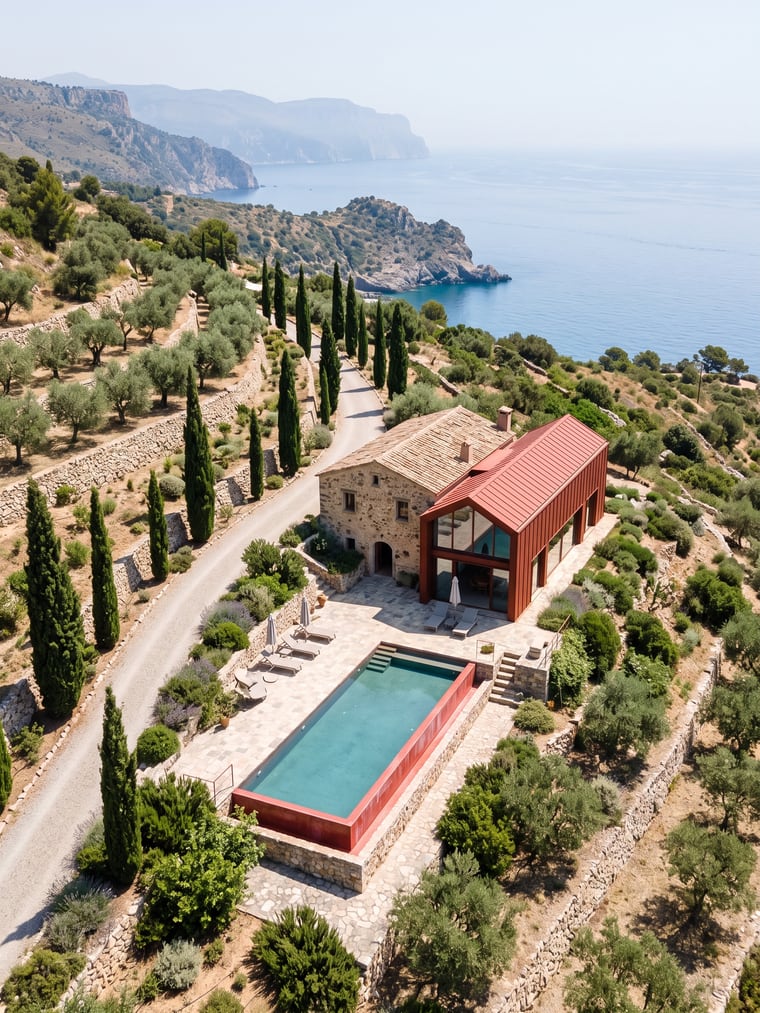
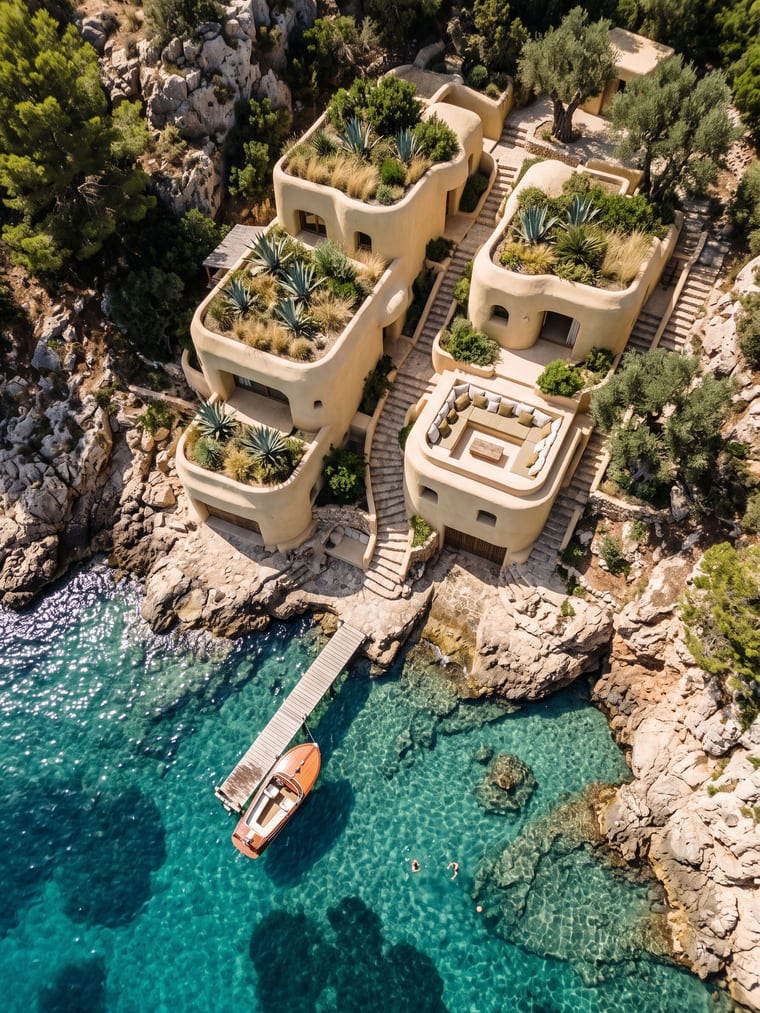
Two different intentions. The lightly hazy sky, the default, lights the façade softly and forgives an imprecise drawing — the right choice to show massing. Direct sun cuts shadows and brings out relief, brise-soleil and roof overhangs: more striking, more demanding on the sketch being right.
Adding what the site lacks
A sketch rarely shows trees, cars or passers-by. The Add action places such elements from a reference photo, on the ground, terraces and openings the image already has — never a new wall or a new window. And the Comment action lets you point at one area and fix only that one.
Examples
Frequently asked questions
- Can I choose the time of day?
- Yes: Exterior day, Golden hour and Rainy day are three separate ambiances, and night is a fourth.
- What size for printing?
- 4K is the largest size offered. Beyond that, an enlargement adds pixels, not detail — we say so rather than sell it.
- What if the render changes my façade?
- Run it again: fidelity is asked for on every render, and two draws from the same sketch do not drift the same way.
Try it on your own image
Create your account, drop in an image, run a render. The plans and what each render costs are on the pricing page.